
Product teams
Businesses turning a custom process, service model or product idea into browser-based software.
Webits builds custom web applications for businesses that need browser-based software with users, permissions, dashboards, transactions or operational logic behind the interface.
A web app becomes useful when it turns a real business workflow into something people can complete with confidence.
Webits shapes web applications around the users, permissions, states, data and system dependencies that make the product work.
Businesses turning a custom process, service model or product idea into browser-based software.
Teams that need custom workflows, dashboards, records or admin controls.
Customers, staff, members or partners who need secure access and clear actions.
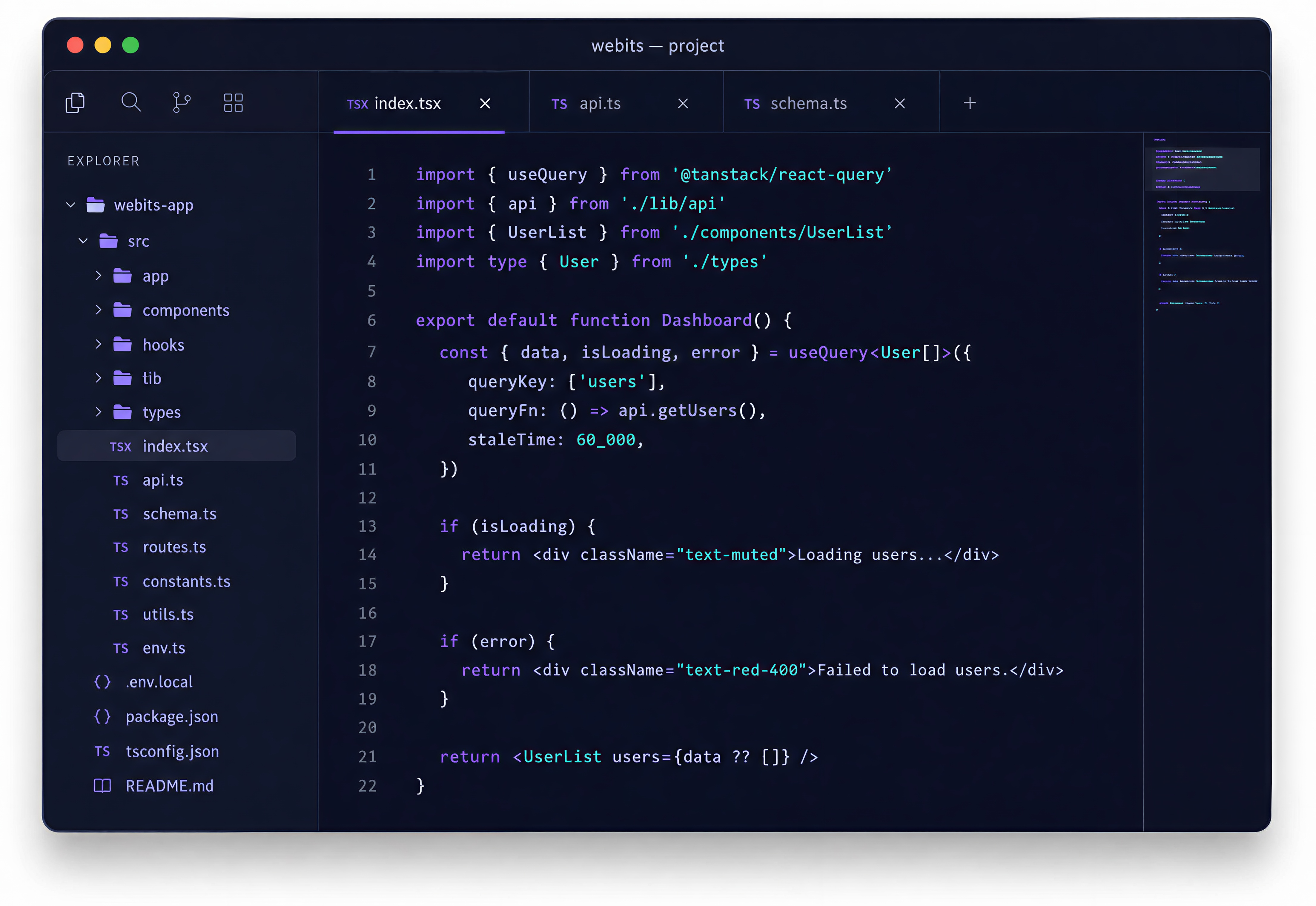
The feature set depends on the product purpose, users and business rules behind the app.
Login, roles, permissions, account states and user-specific views.
The steps, states and actions users need to complete the product flow.
Views for users, managers, admins, activity, status or reporting.
Connections to CRMs, payments, portals, databases or third-party systems.
Useful prompts for updates, approvals, changes, reminders or next actions.
History, comments, files, audit trails and support-friendly system activity.
These are common signs a browser-based product needs stronger structure before build starts.
Off-the-shelf tools do not match the way the business needs work to happen.
The app needs accounts, records, payments, portals, APIs or internal systems behind it.
Customers, staff, admins or managers need different access and actions.
The business needs a first release that can mature without becoming messy.
The build moves from product definition into interface, backend, integrations and supported release.
Clarify users, workflows, rules, states and the first useful release.
Design screens and flows around clear repeated use.
Develop the frontend, backend, database and admin controls.
Integrate the tools, data and services the product depends on.
Support release and refine the app as real usage reveals better decisions.
A selection of digital products, platforms and business systems engineered for organisations that depend on technology every day.
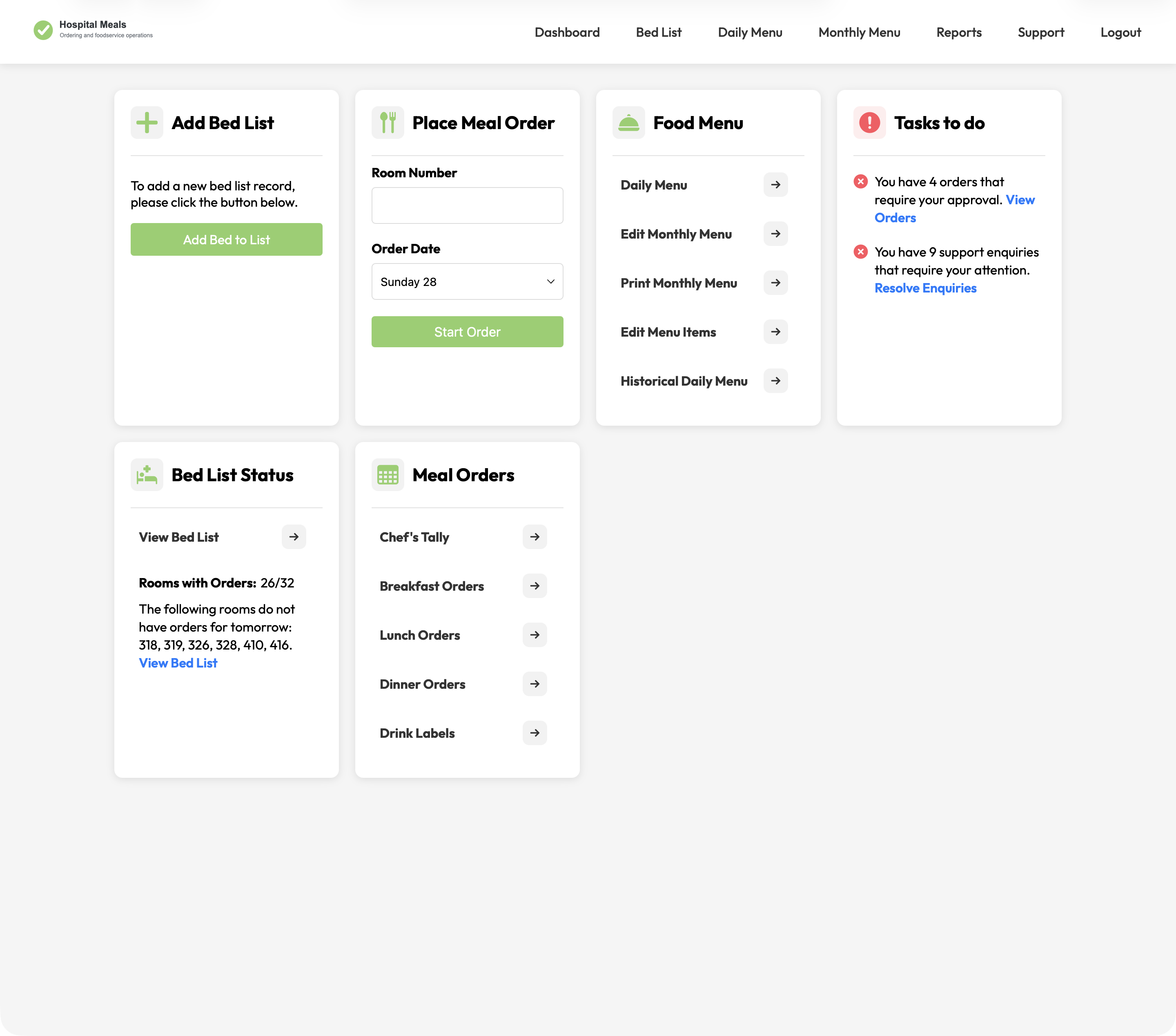
A hospital foodservice platform connecting patient meal ordering with bed lists, dietary context, menu cycles, approvals, kitchen views, tallies, labels, and PDFs.
View case study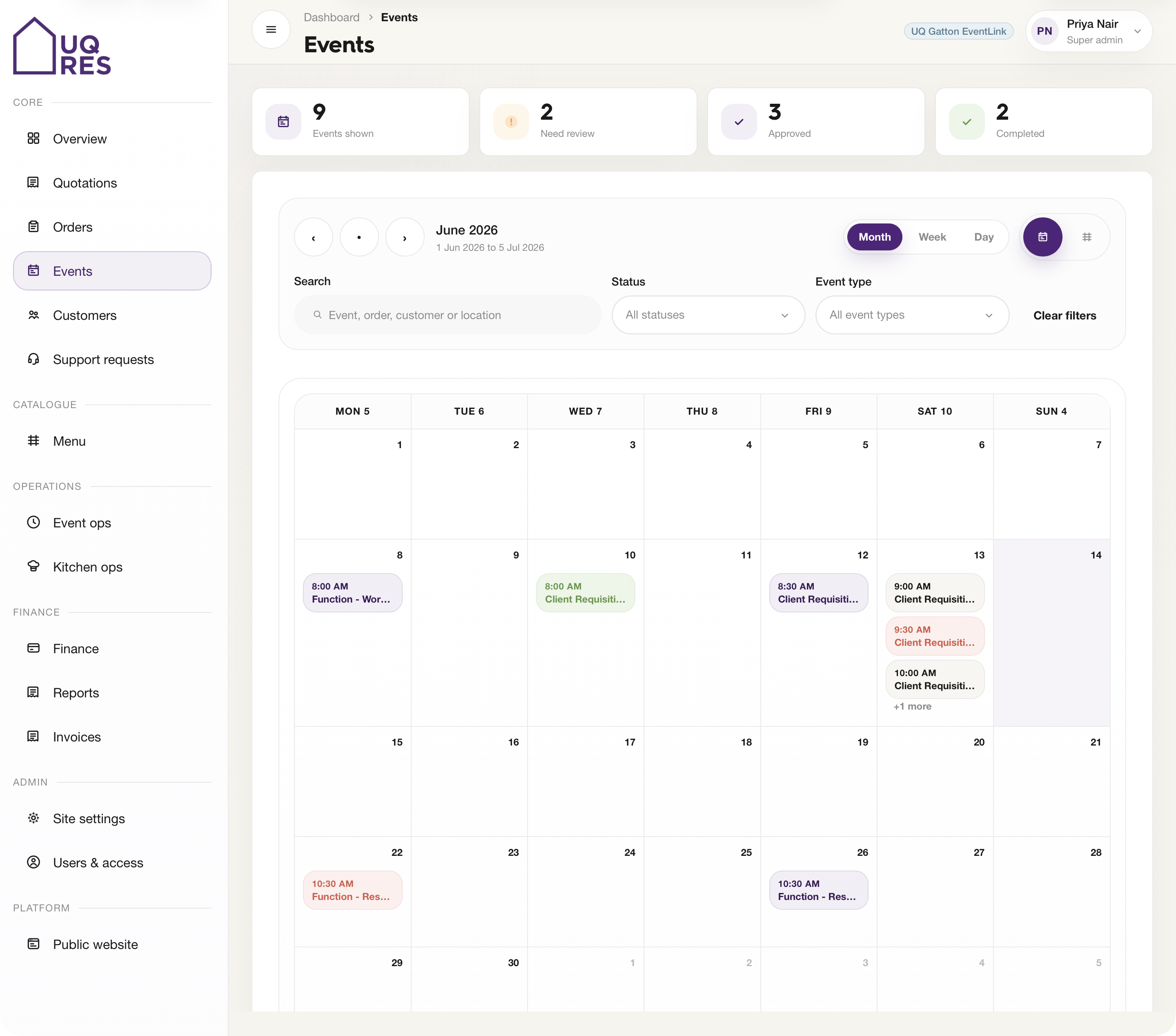
A web-based events and hospitality platform for Cater Care, connecting public ordering, quotations, event review, kitchen prep, finance, reporting, and catalogue sync.
View case study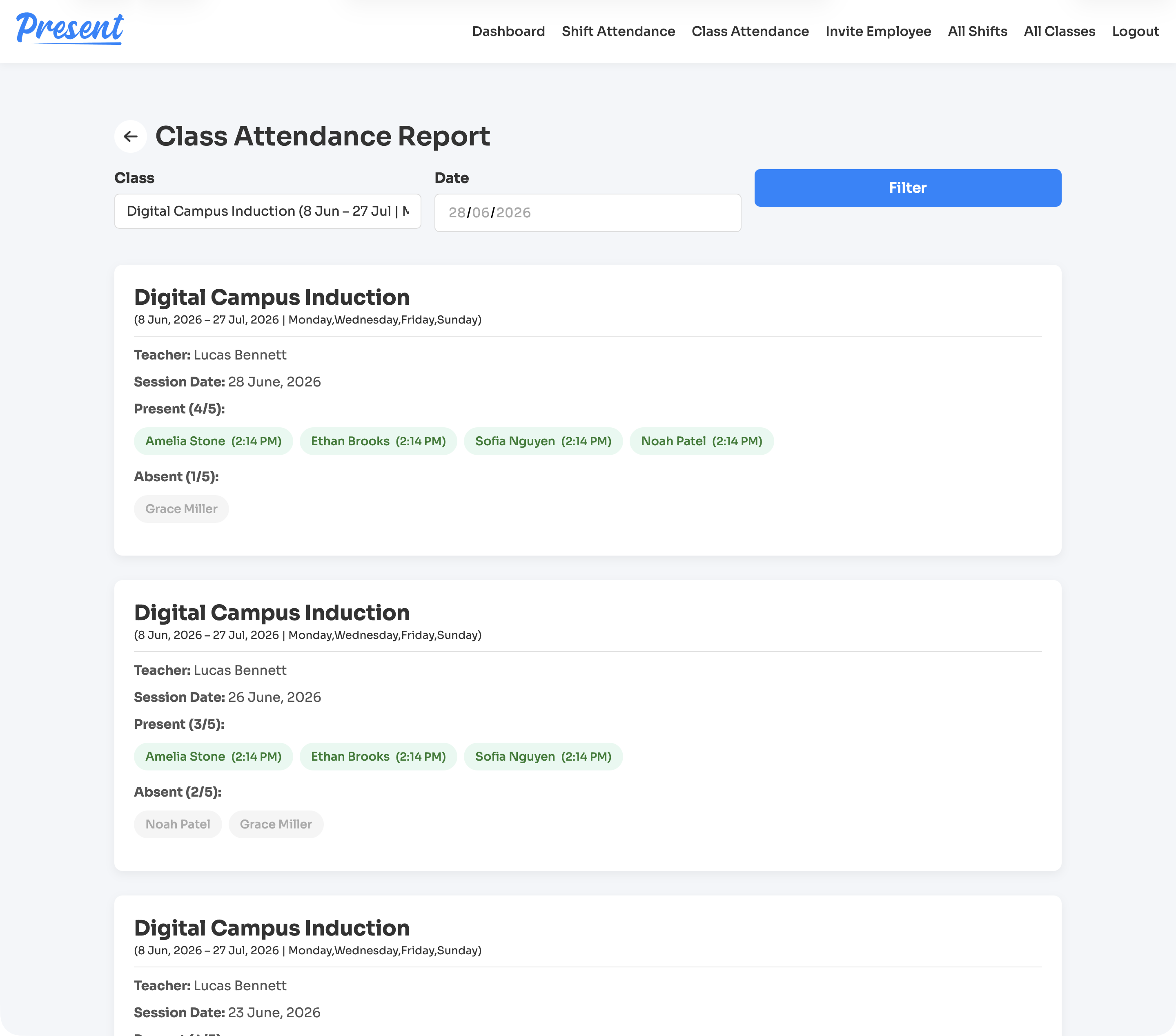
A web and iOS attendance platform for education providers, covering class rolls, staff shifts, geofenced clock-ins, cancellations, reports, notifications, and role-based admin control.
View case studyA short list of the things teams usually ask before scoping a web application.
It is browser-based software built around a specific workflow, product or business process rather than a standard website page.
Yes. Webits can handle the interface, backend logic, database, permissions and integrations needed for a complete web app.
Yes. A focused first release is often the strongest way to validate the workflow before expanding features.
A portal usually focuses on secure access and self-service. A web app can be broader, with deeper product logic and operational tools.
Bring the workflow, users and systems involved. Webits can help define the right web app scope.