
Service businesses
Companies that need customers or clients to access documents, updates, requests or account areas.
Webits builds secure client portals for businesses that need customers, members or partners to access information, complete actions and move through structured workflows.
A portal is not just a login screen. It gives the right people the right access and guides the right actions.
Webits plans portals around roles, permissions, customer journeys, documents, requests, notifications and the internal admin layer behind the experience.
Companies that need customers or clients to access documents, updates, requests or account areas.
People who need simple self-service access without relying on inboxes.
Staff who need visibility and control over customers, submissions, status and support.
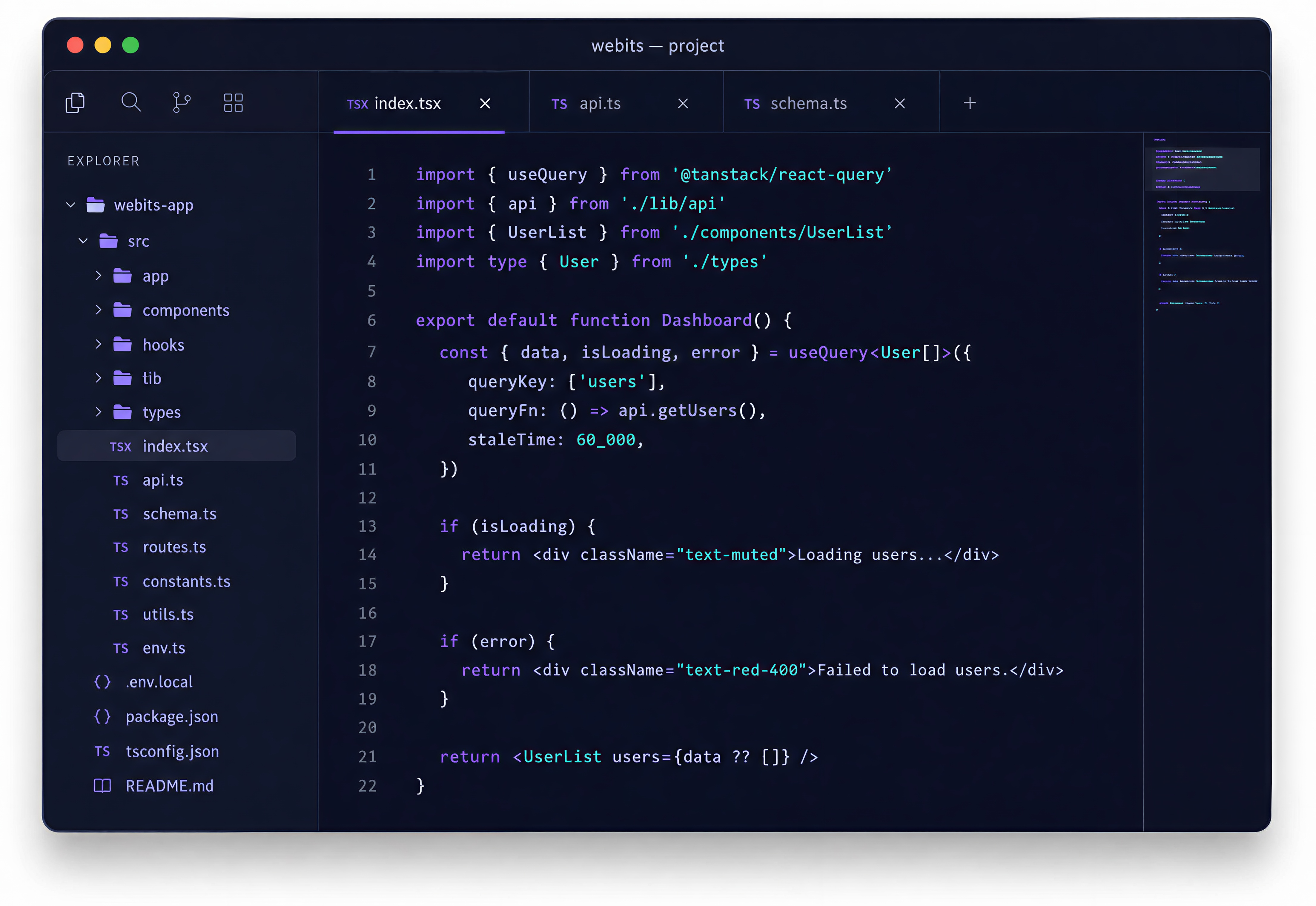
The useful parts depend on the customer relationship, access rules and actions the portal needs to support.
Login, roles, permissions, profiles and customer-specific access.
Requests, forms, approvals, bookings, documents or status flows.
Controlled access to files, reports, invoices, resources or shared records.
Useful updates for submissions, approvals, changes, reminders or next steps.
Internal views for users, content, requests, support and portal activity.
Links to CRMs, payments, booking tools, reporting systems or internal software.
These are common signs a client portal could reduce manual handling and improve customer service.
Customers need updates, documents or answers that could be available through secure access.
Files, forms, requests and account activity sit across email, spreadsheets or disconnected tools.
Submissions, approvals, documents and changes are hard to track cleanly.
The team needs better views for users, requests, status, content and exceptions.
The build starts with users and permissions, then turns the client journey into a secure portal experience.
Clarify clients, staff, roles, permissions and the actions each group needs.
Choose the first useful portal workflow and content model.
Shape account, request, document and admin views around clarity.
Develop the portal, access controls, admin layer and integrations.
Support rollout and improve the portal after real customer use begins.
A selection of digital products, platforms and business systems engineered for organisations that depend on technology every day.
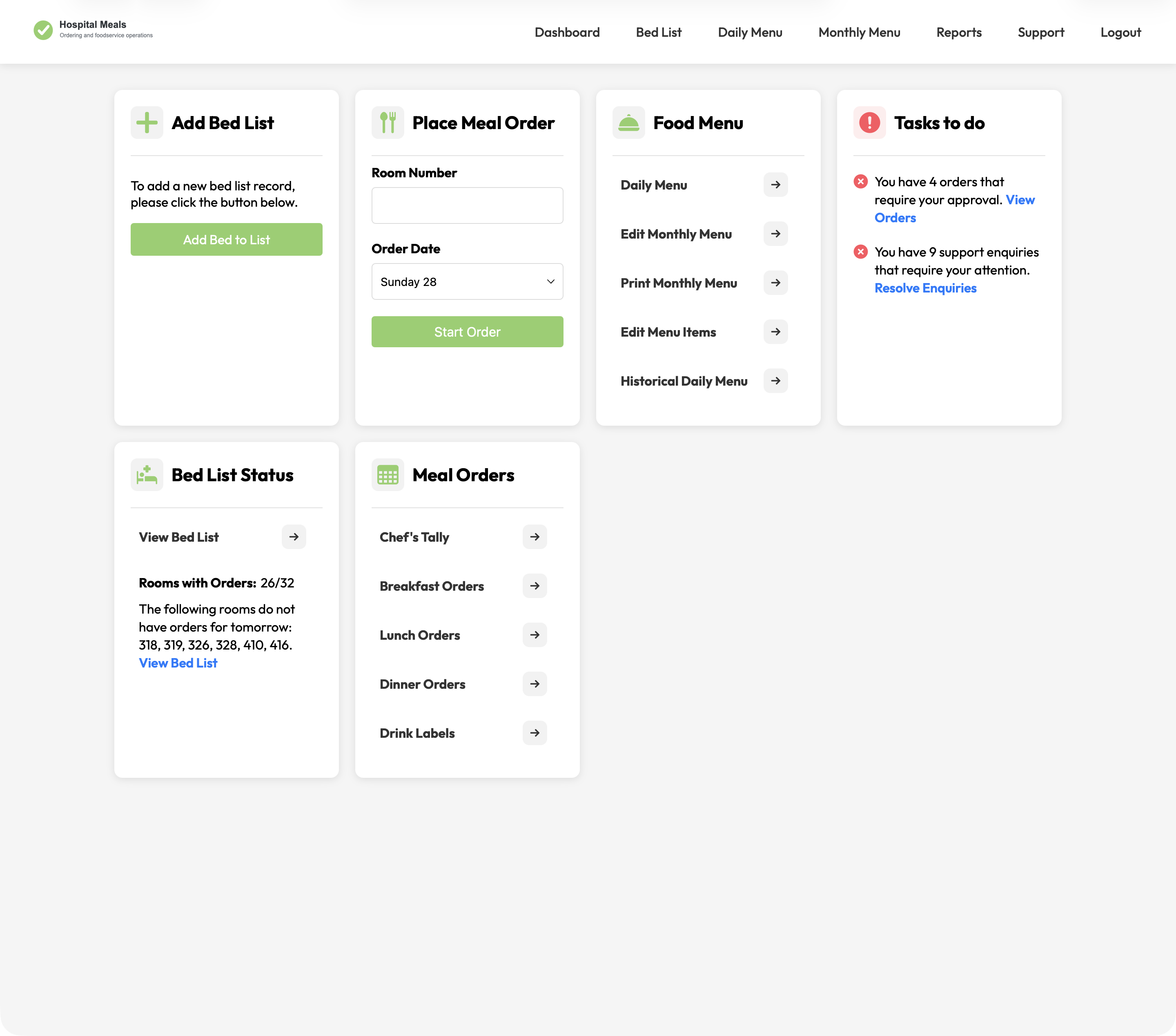
A hospital foodservice platform connecting patient meal ordering with bed lists, dietary context, menu cycles, approvals, kitchen views, tallies, labels, and PDFs.
View case study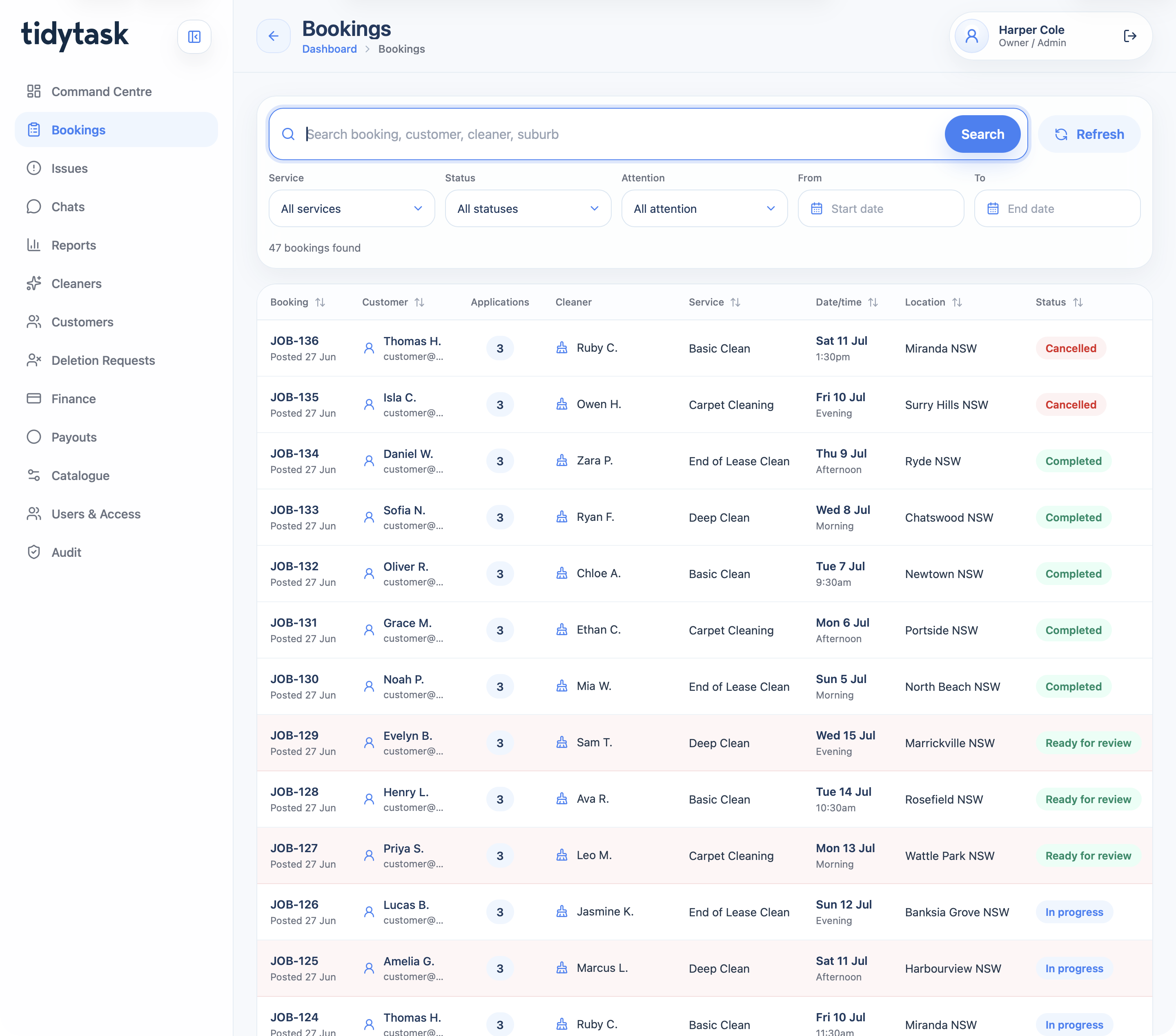
A cleaning marketplace and operations platform for customer booking, cleaner applications, payments, GPS proof, support, finance, payouts, reporting, and admin control.
View case study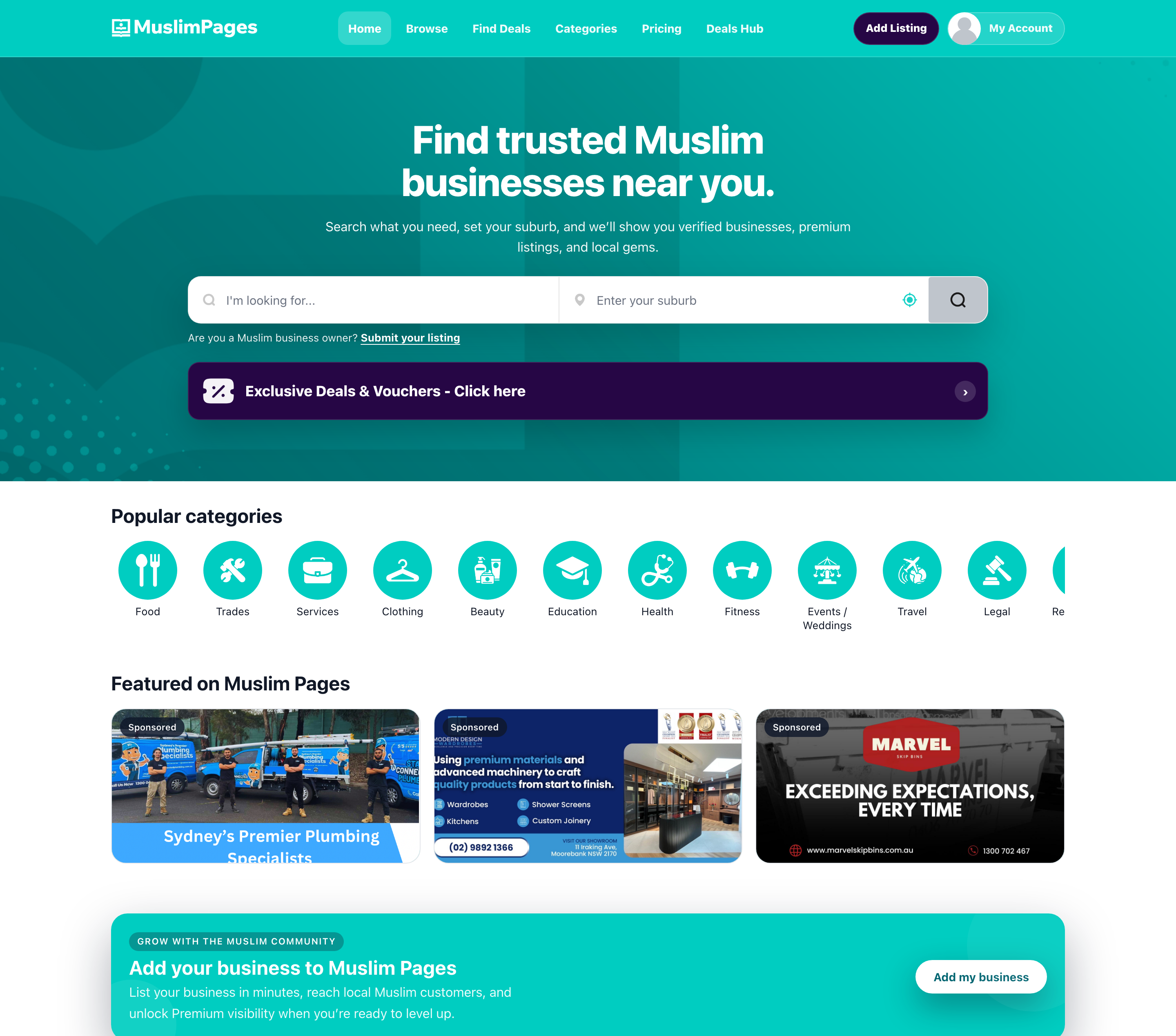
A community directory, deals marketplace, owner portal, and React Native app connecting Muslim Australians with businesses, offers, subscriptions, and local discovery tools.
View case studyA short list of the things teams usually ask before scoping a client portal.
A portal can include accounts, documents, requests, approvals, bookings, payments, notifications and self-service workflows.
Yes. Role-based access is usually central to a strong client portal.
Yes. Webits can connect a portal with CRMs, payment tools, reporting systems or internal platforms where needed.
Yes. A focused first release is often the best way to prove the workflow before expanding it.
Bring the customer journey, access rules and current manual process. Webits can help define the right portal shape.