
Admin teams
Staff managing users, content, requests, orders, cases, jobs or operational records.
Webits builds admin portals that give teams the staff-facing views and controls they need to manage users, content, workflows, data and daily operations.
A strong public product, app or portal usually needs an admin side that helps the business manage what happens behind it.
Webits plans admin portals around roles, permissions, records, workflows, support needs and the operational visibility staff need every day.
Staff managing users, content, requests, orders, cases, jobs or operational records.
People who need visibility over activity, status, exceptions, workload and support needs.
Businesses with apps, portals or platforms that need a stronger staff-facing control layer.
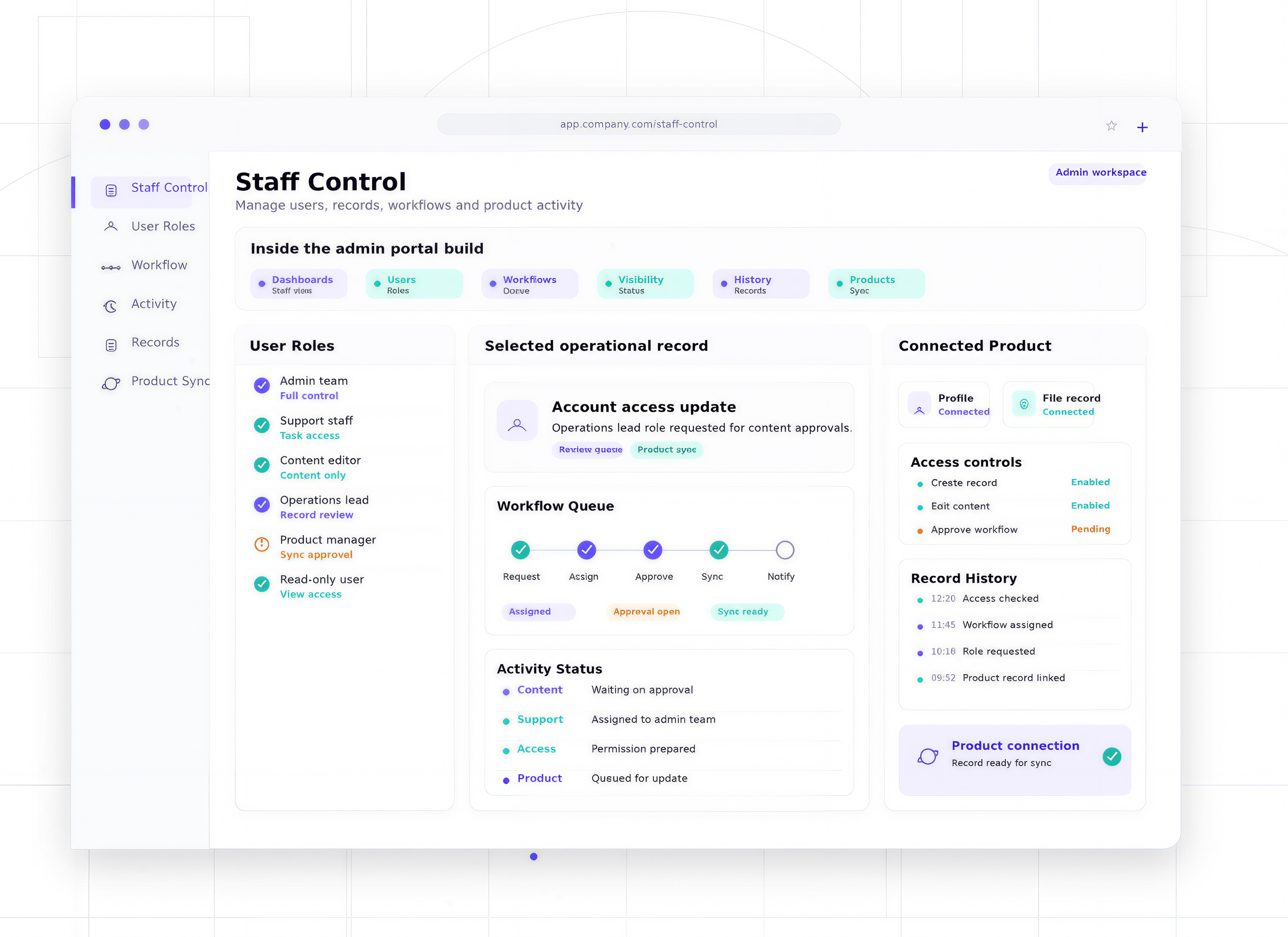
The useful parts depend on what staff need to manage, review, approve, update or report on.
Clear admin views for activity, users, records, content, tasks or operational status.
Roles, permissions, accounts, access states and support controls.
Review, approve, update, assign, resolve or escalate actions for staff.
Status, exceptions, activity, workload, trends and reporting views.
Logs, comments, file history, status changes and audit-friendly records.
Integration with apps, portals, websites, CRMs or internal systems where needed.
These are common signs an admin portal would make a product or operation easier to manage.
Simple updates, user changes or support tasks need technical help or workarounds.
Management tasks sit across spreadsheets, inboxes, databases and disconnected tools.
The business cannot easily see user activity, status, exceptions or operational pressure.
Important actions, changes or decisions are not captured clearly.
The build starts with the staff control model, then turns it into an admin experience built for repeated use.
Clarify what staff need to see, change, approve, manage and report on.
Plan access, permissions, records, actions and the first release.
Shape screens around fast scanning, clear control and repeated admin use.
Develop the admin portal, data model, workflows and integrations.
Support rollout and improve the portal once staff use it daily.
A selection of digital products, platforms and business systems engineered for organisations that depend on technology every day.
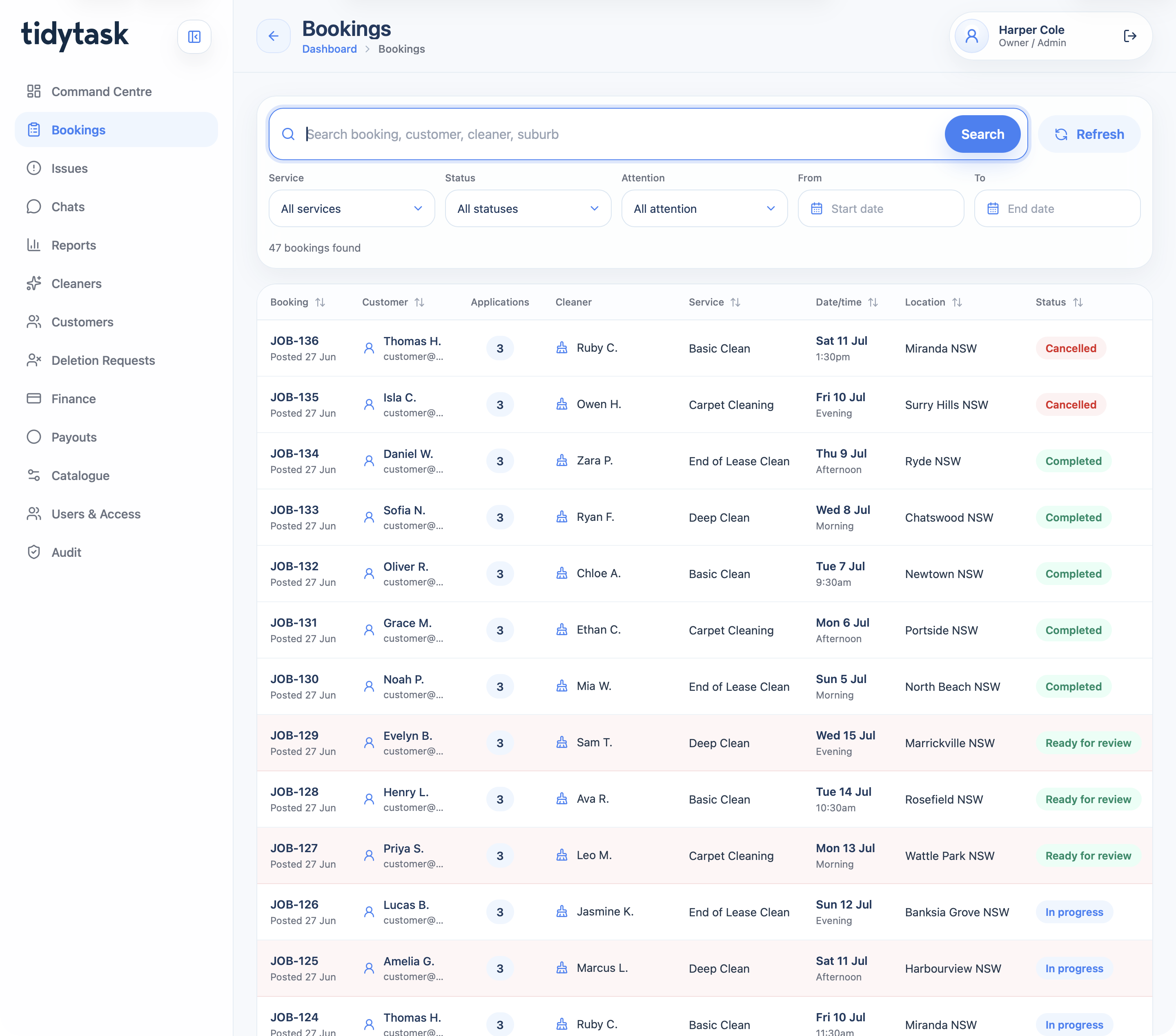
A cleaning marketplace and operations platform for customer booking, cleaner applications, payments, GPS proof, support, finance, payouts, reporting, and admin control.
View case study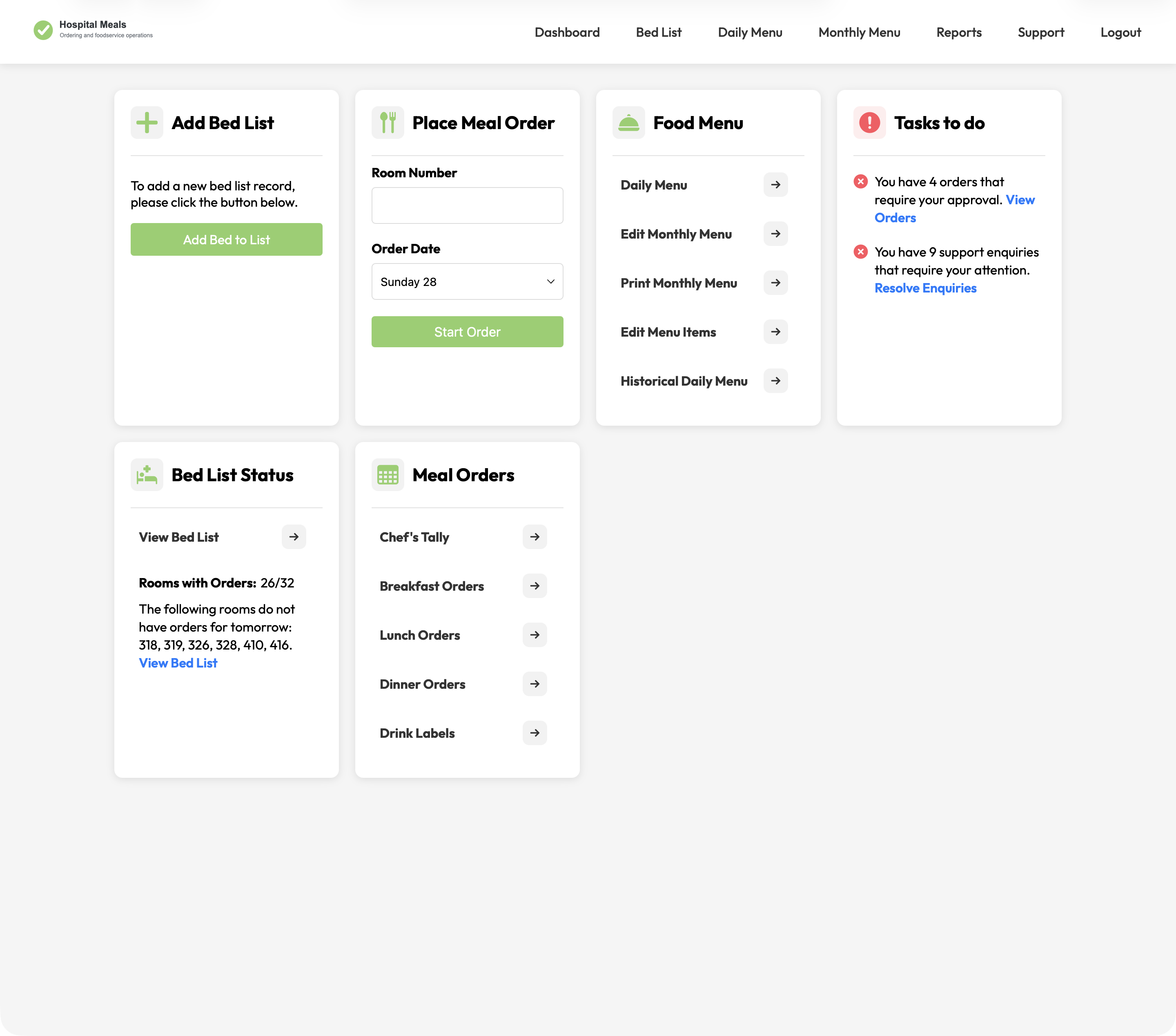
A hospital foodservice platform connecting patient meal ordering with bed lists, dietary context, menu cycles, approvals, kitchen views, tallies, labels, and PDFs.
View case study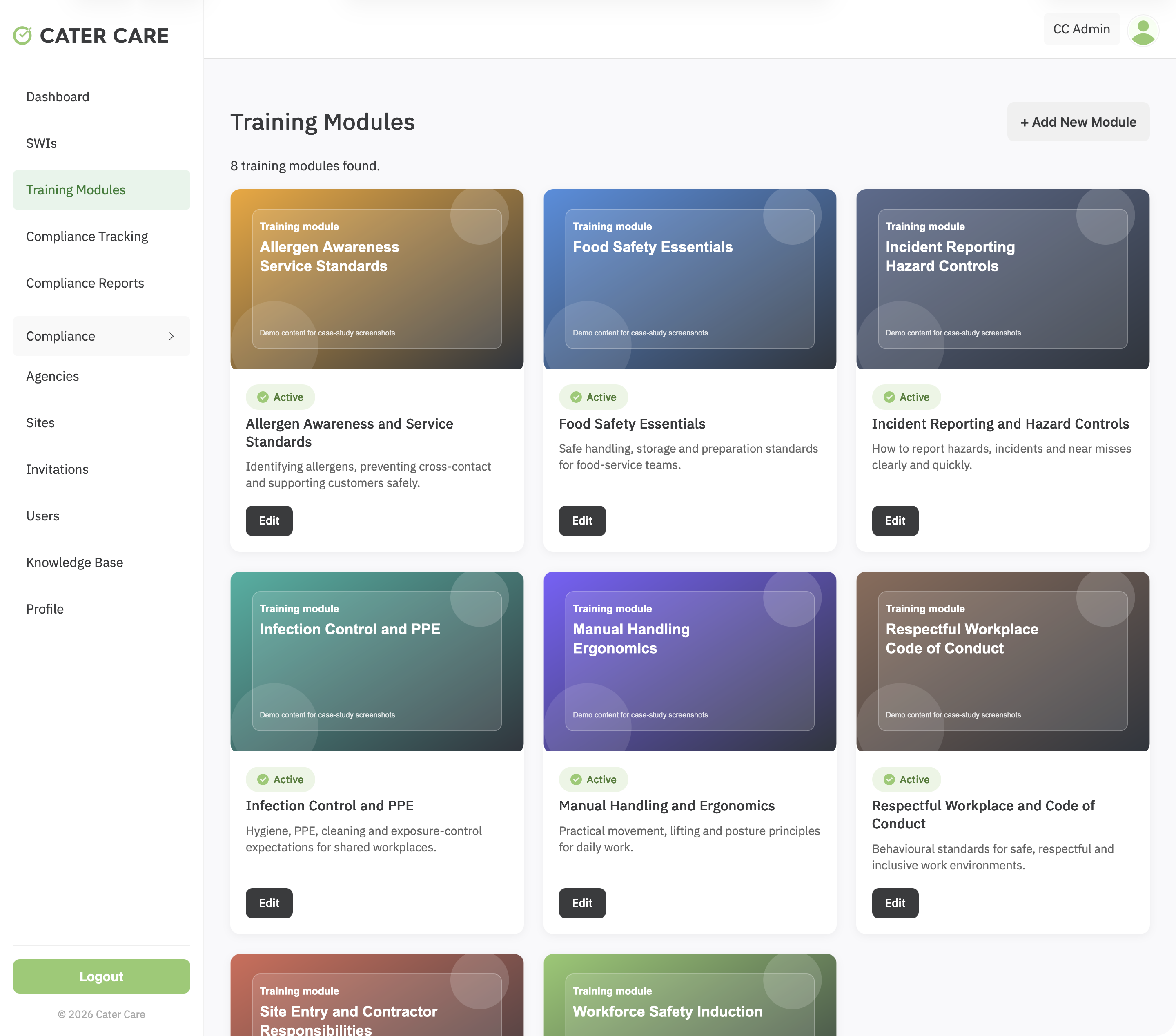
A workforce training and compliance platform for Cater Care, connecting custom SCORM delivery, SWI sign-off, VOC evidence, reporting, and role-based oversight.
View case studyA short list of the things teams usually ask before scoping an admin portal.
It can include dashboards, user management, content control, workflows, approvals, reporting, support queues and audit records.
Yes. Roles and permissions are usually central to a strong admin portal.
Yes. Admin portals often manage the activity behind apps, portals, ecommerce platforms and operational systems.
Yes. Admin portals can be standalone or part of a wider app, platform or operational system.
Bring the users, records and admin tasks involved. Webits can help shape the right portal scope.