
Operations teams
Teams repeating the same checks, hand-offs, notifications or admin steps every week.
Webits builds workflow automation for businesses that need repeat work, approvals, status updates and hand-offs to move with less manual chasing.
Automation should remove friction from repeated work while keeping people in control of the decisions that matter.
Webits maps the workflow first, then builds automation around triggers, states, approvals, exceptions and the systems that need to stay connected.
Teams repeating the same checks, hand-offs, notifications or admin steps every week.
Managers who need requests, reviews and decisions to move without constant chasing.
Companies whose process depends on several tools that need to work together.
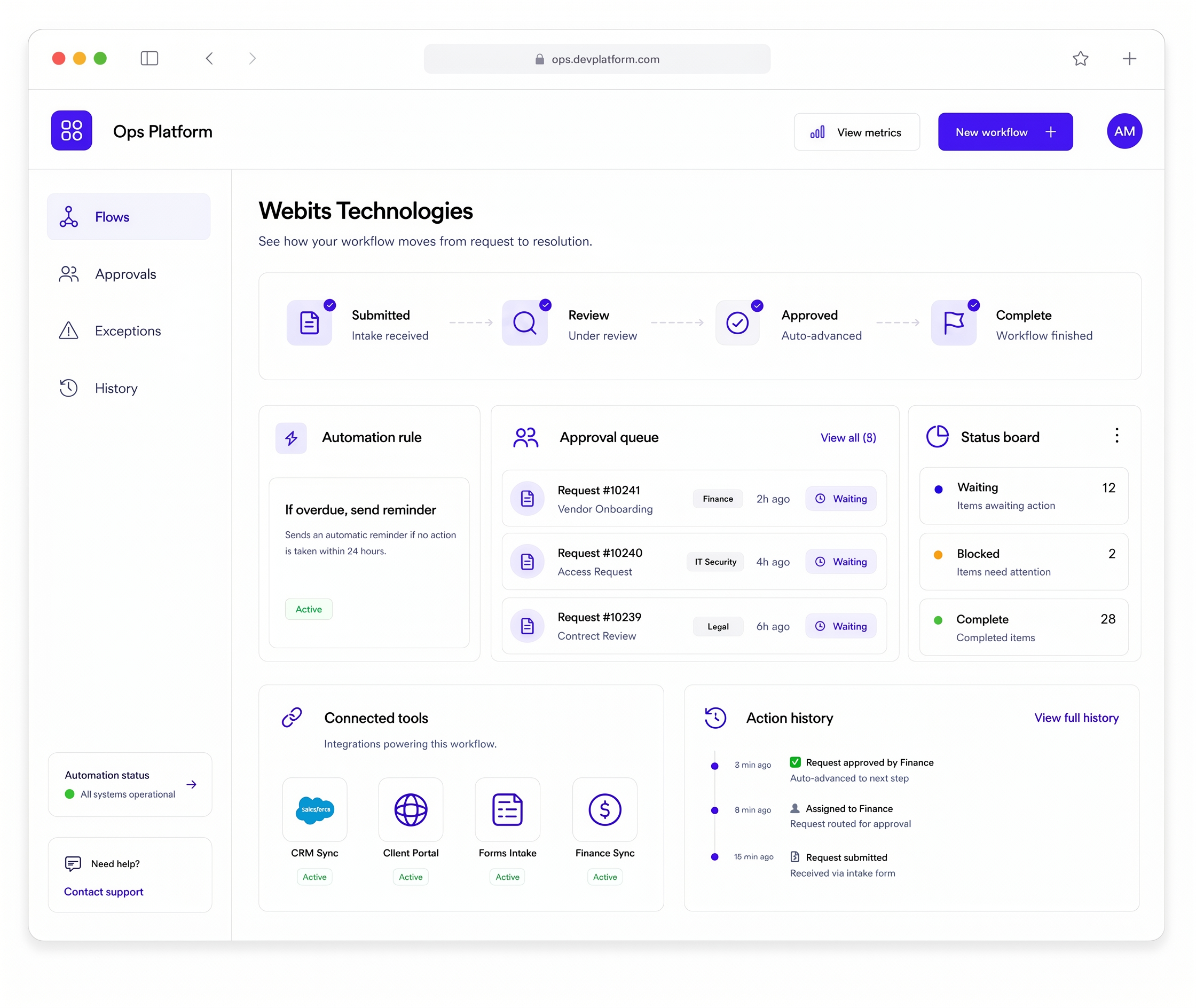
The useful parts depend on the process, decision points and systems involved.
Rules that move work between steps, people and systems when the right trigger happens.
Requests, reviews, conditions, decisions and escalation paths shaped around the process.
Useful prompts for overdue tasks, approvals, missing details or next actions.
Integrations with CRMs, portals, forms, payment tools, ERPs or internal systems.
Dashboards or queues that show what is waiting, delayed, blocked or complete.
Records of submissions, approvals, updates and system-triggered changes.
These are common signs automation could make the process more reliable and easier to manage.
Progress depends on follow-up messages, reminders and manual status checking.
One tool changes, but the next action still needs someone to move it manually.
Decisions, notes and changes are scattered across messages or inboxes.
Delays, blocked work and overdue tasks are noticed too late.
The build moves from workflow mapping into clear automation rules, connected tools and supported rollout.
Clarify each step, hand-off, trigger, exception and decision point.
Decide what should happen automatically and where people stay in control.
Shape views for queues, approvals, status and exception handling.
Develop the rules, integrations, notifications and operational views.
Monitor real flow and refine automation once the team starts using it.
A selection of digital products, platforms and business systems engineered for organisations that depend on technology every day.
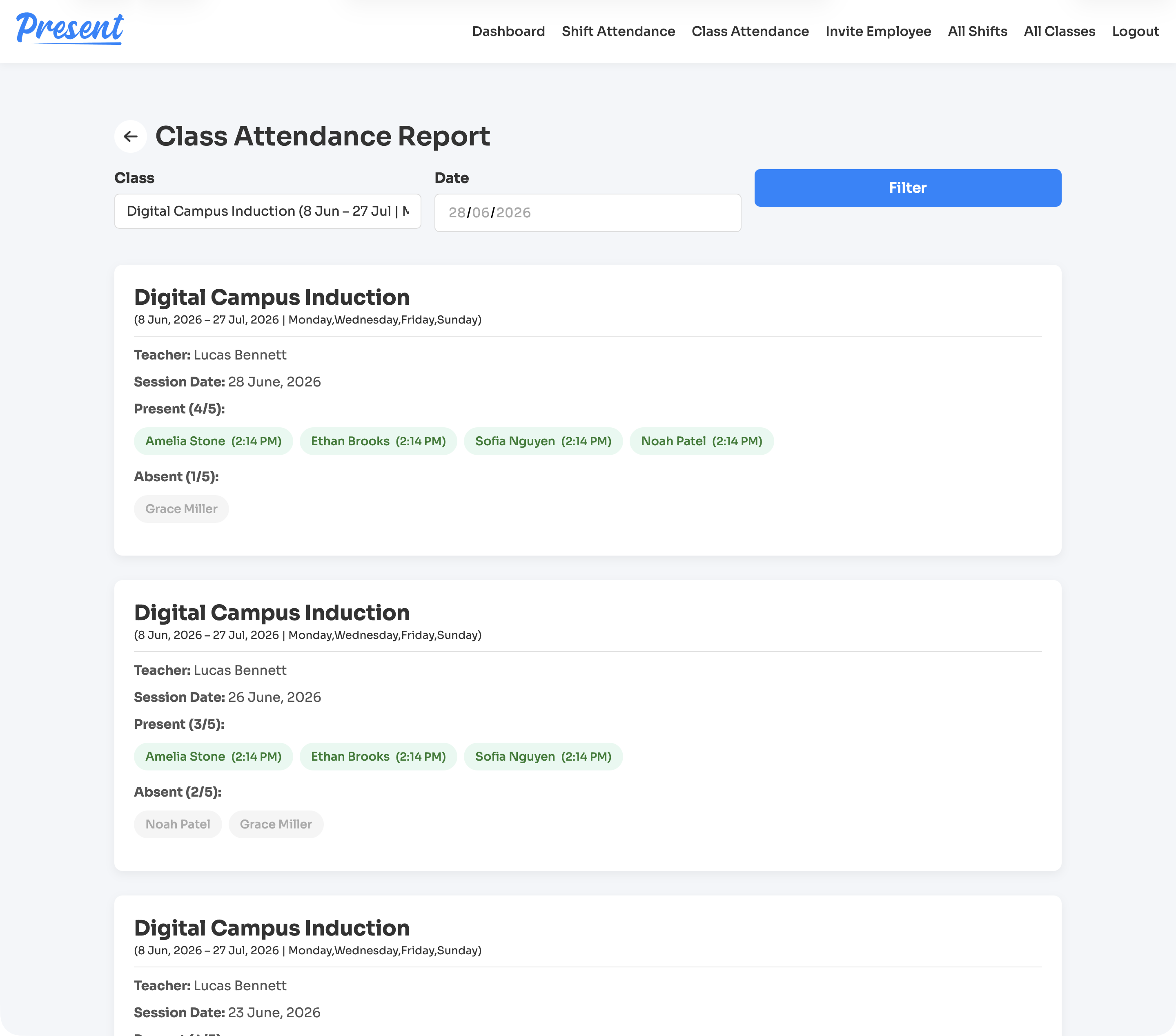
A web and iOS attendance platform for education providers, covering class rolls, staff shifts, geofenced clock-ins, cancellations, reports, notifications, and role-based admin control.
View case study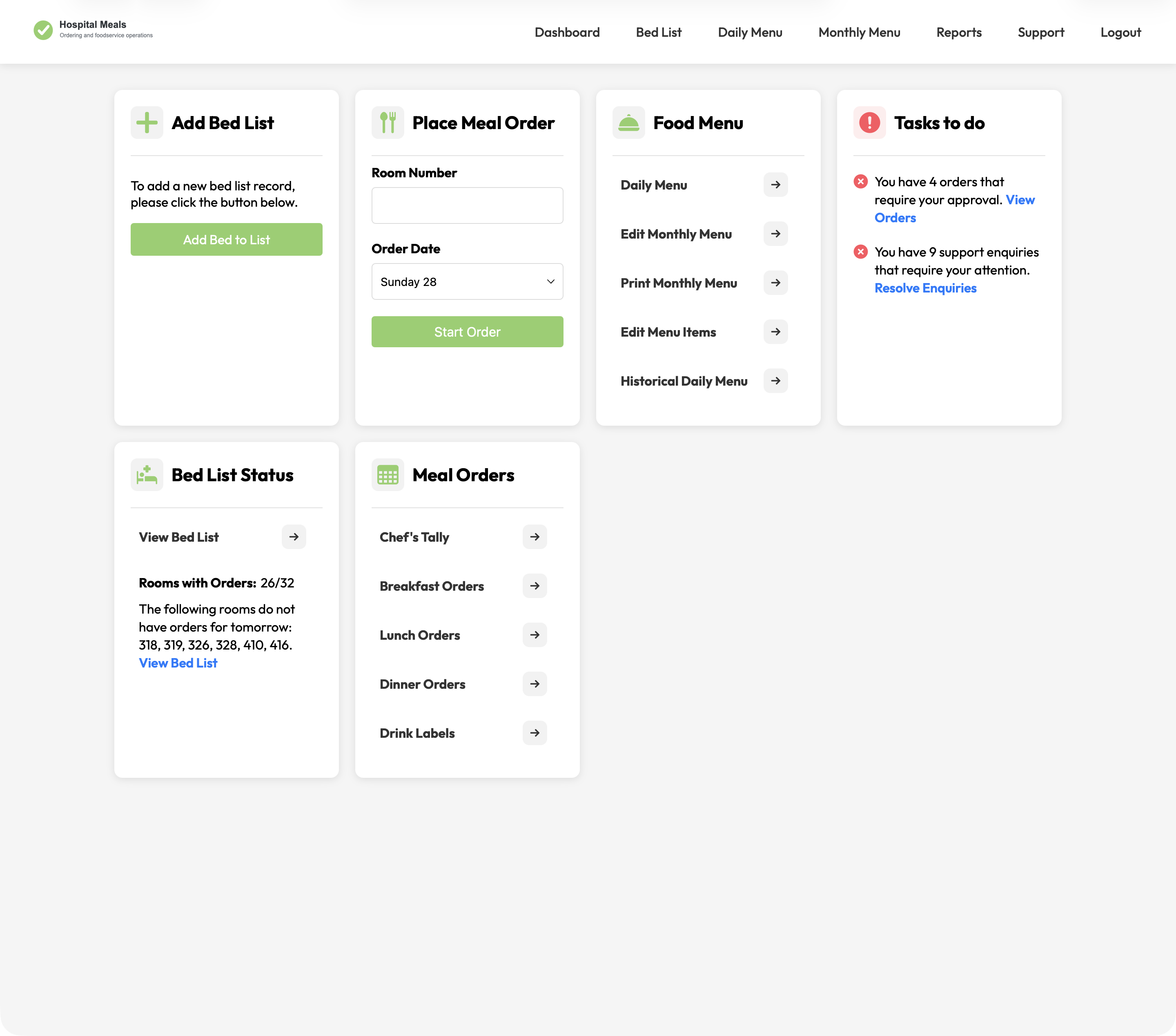
A hospital foodservice platform connecting patient meal ordering with bed lists, dietary context, menu cycles, approvals, kitchen views, tallies, labels, and PDFs.
View case study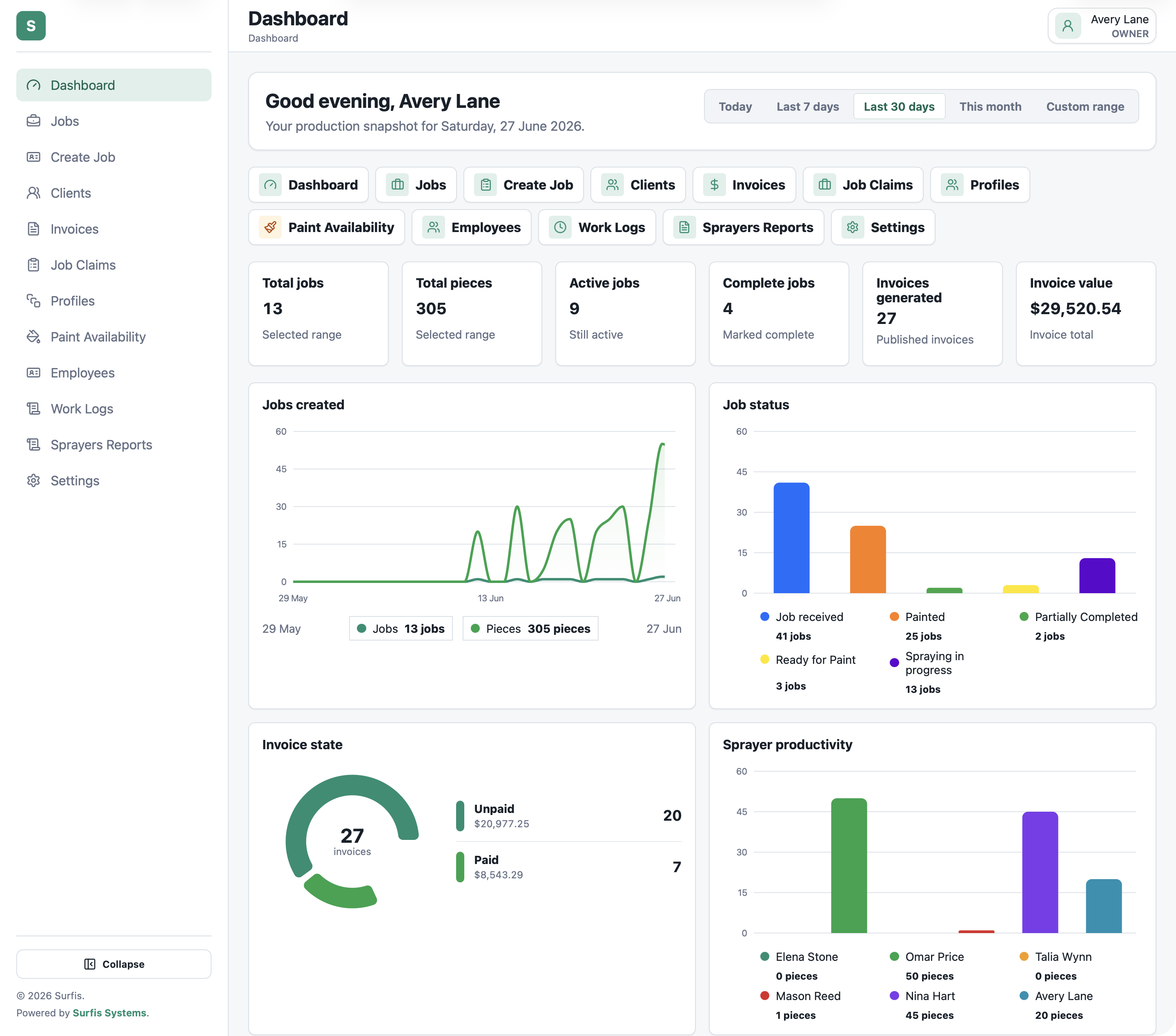
A production platform for spray finishing teams, covering jobs, pieces, paint, labels, costing, invoices, MYOB, and reporting from one system.
View case studyA short list of the things teams usually ask before scoping workflow automation.
It can handle task movement, approvals, reminders, status updates, notifications, integrations and repeat process steps.
Yes. Automation can connect with the tools already used by the business where the integration path is suitable.
Not necessarily. Good automation removes manual handling while keeping people involved in decisions that need judgement.
Yes. Starting with one high-friction workflow is often the strongest path.
Bring the process, exceptions and current tools. Webits can help shape the right automation path.