
Process owners
People responsible for repeat work that needs clearer steps, owners and status.
Webits builds business process software that turns repeat operational work into clearer steps, better visibility and fewer manual gaps.
A business process becomes easier to improve when the steps, states, owners and exceptions are visible.
Webits maps the process first, then builds software that supports the way work should move through the business.
People responsible for repeat work that needs clearer steps, owners and status.
Teams coordinating requests, approvals, reviews, tasks, documents or service delivery.
Decision makers who need better visibility over how work moves through the business.
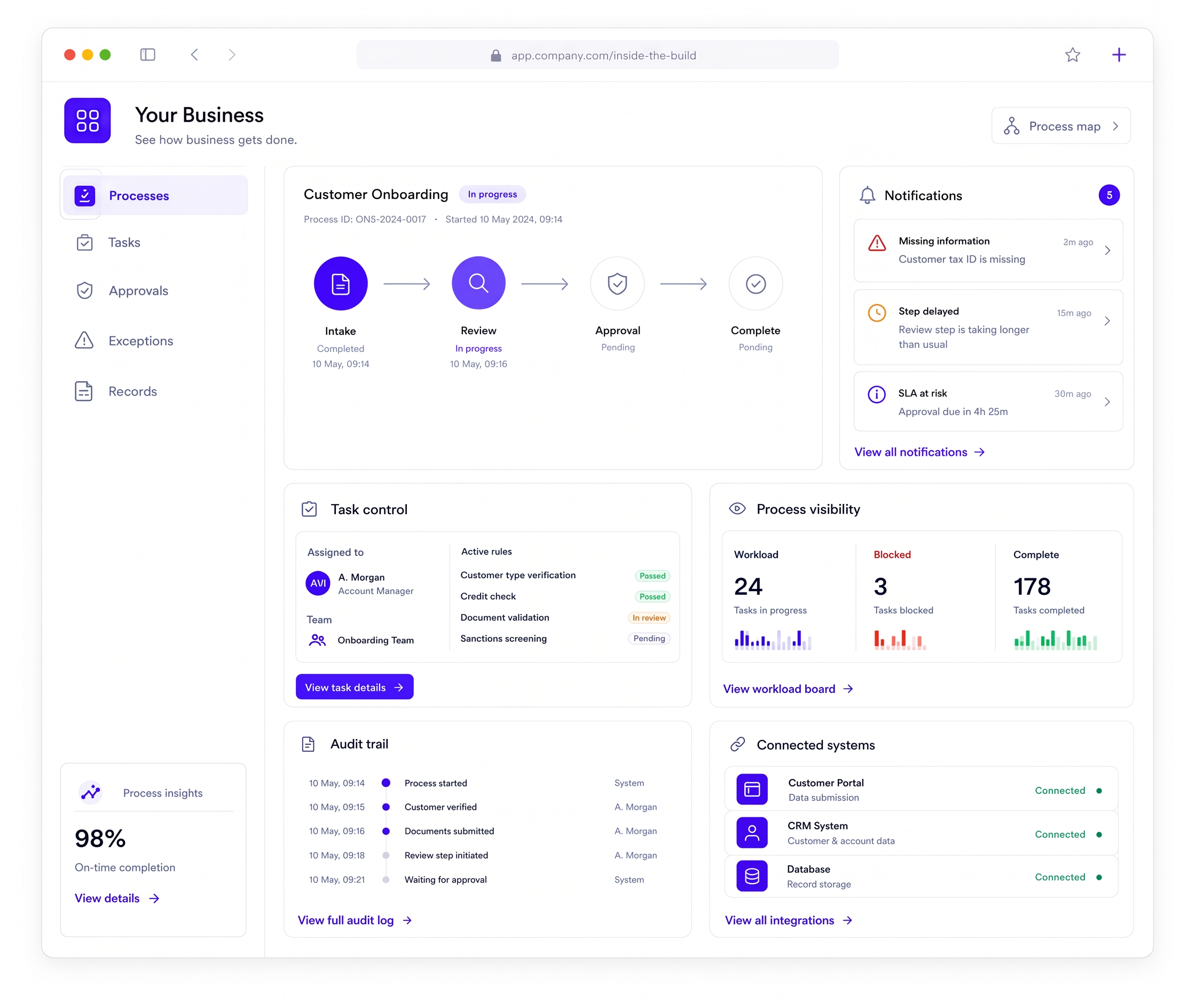
The system can include the process flow, controls, notifications and reporting needed to run it.
Structured steps, states, hand-offs and conditions for repeat work.
Assignments, due dates, checklists, required fields and completion rules.
Prompts for approvals, missing information, delays, changes or next actions.
Views for workload, status, bottlenecks, exceptions and team activity.
Clear records of actions, decisions, comments, files and status changes.
Connections to existing tools where the process needs shared data.
These are common signs a process needs software built around the real workflow.
The same work is handled differently depending on who is doing it.
Work moves between teams, tools or people without a clear record or next action.
Approvals, changes and supporting details sit across messages or files.
The business cannot easily see where work slows down or gets blocked.
The build starts with the process model, then turns it into practical software for the team.
Document the steps, users, rules, hand-offs and exceptions.
Choose the process scope that will create useful change without overloading the build.
Turn the process into screens, queues, states and admin controls.
Develop the workflow software and connect required data or tools.
Support rollout and improve the process once real usage is visible.
A selection of digital products, platforms and business systems engineered for organisations that depend on technology every day.
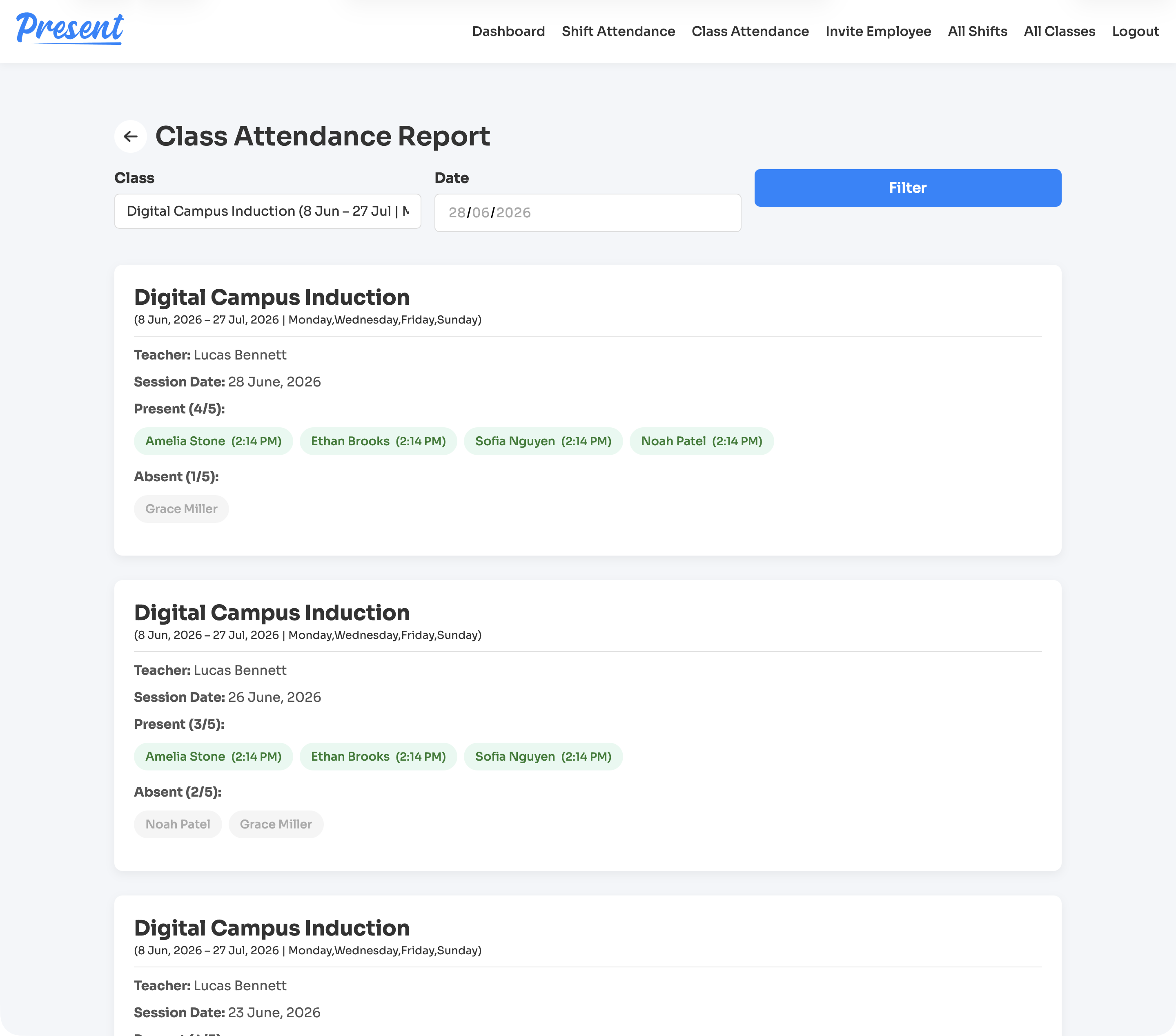
A web and iOS attendance platform for education providers, covering class rolls, staff shifts, geofenced clock-ins, cancellations, reports, notifications, and role-based admin control.
View case study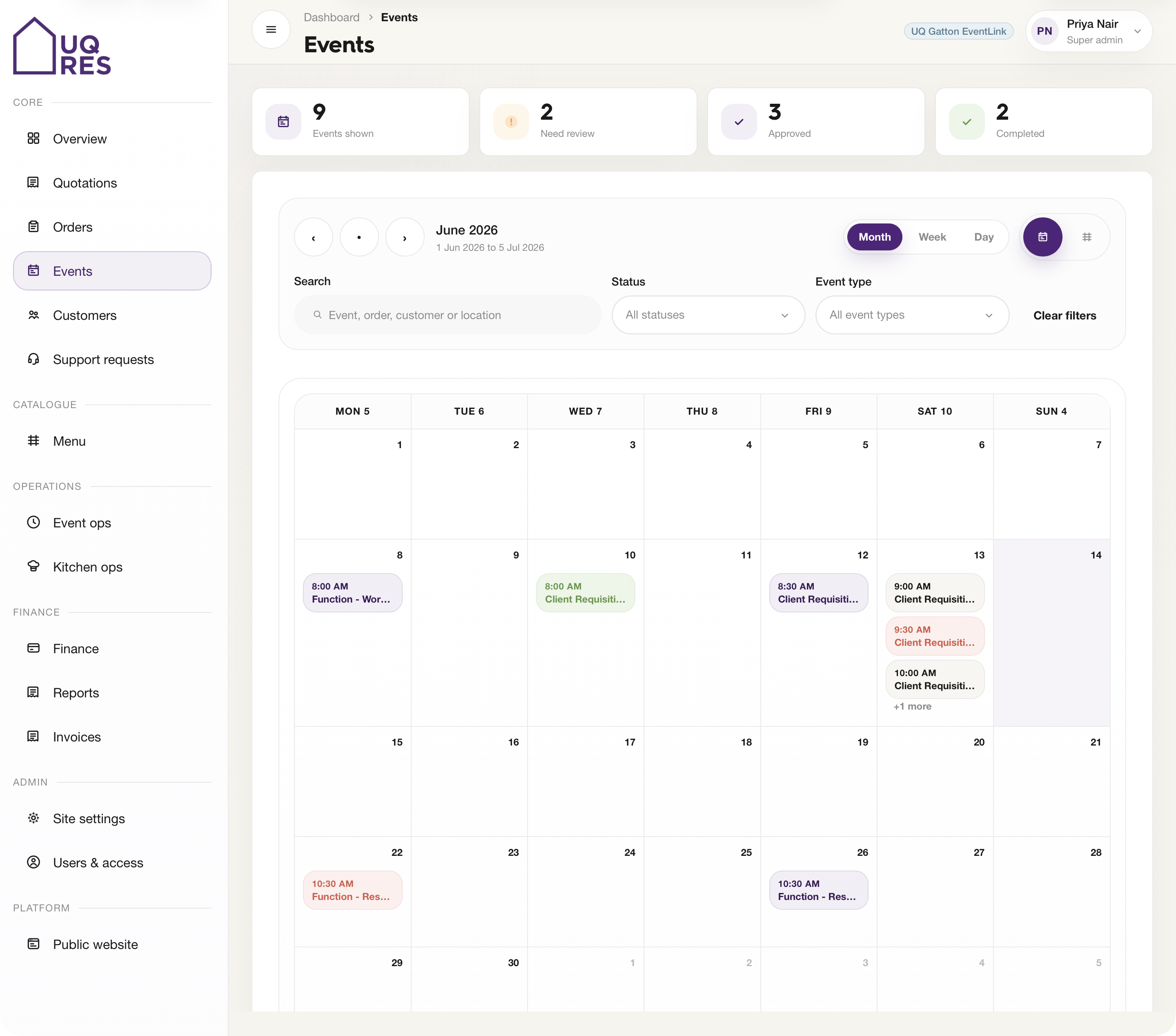
A web-based events and hospitality platform for Cater Care, connecting public ordering, quotations, event review, kitchen prep, finance, reporting, and catalogue sync.
View case study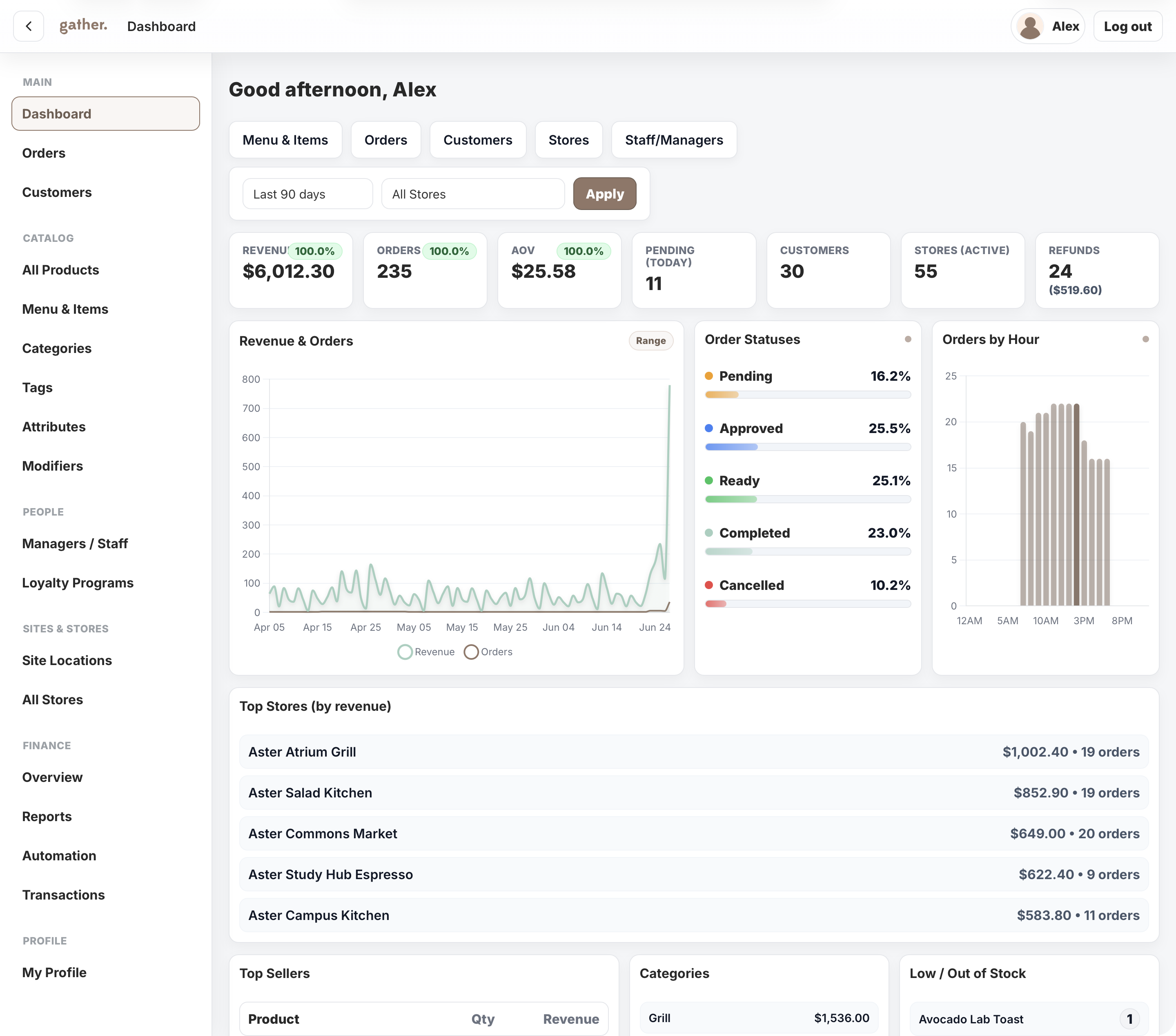
A campus commerce platform for Cater Care, connecting mobile ordering, outlet operations, payments, POS sync, loyalty, reporting, and head-office control.
View case studyA short list of the things teams usually ask before scoping business process software.
It is a custom system that helps a business run, track and improve a repeat process.
Yes. Approvals, hand-offs, task queues, status and records are common parts of process software.
Yes. Starting with one important process is usually the best way to prove the system.
Yes. The system can connect to existing software where the process depends on shared data.
Bring the process, roles and current bottlenecks. Webits can help shape the right system scope.