
Admin teams
Staff who manage customer, job, order, content, approval or support activity every day.
Webits builds internal tools that help staff manage information, tasks, approvals, customers, jobs and operational activity without relying on awkward workarounds.
Internal tools should make repeated work easier for the people who keep the business running.
Webits shapes staff-facing tools around the daily tasks, decisions, permissions and visibility the team needs to move faster with fewer workarounds.
Staff who manage customer, job, order, content, approval or support activity every day.
Leaders who need clearer views over status, workload, exceptions and team activity.
Businesses where spreadsheets and shared inboxes are no longer strong enough.
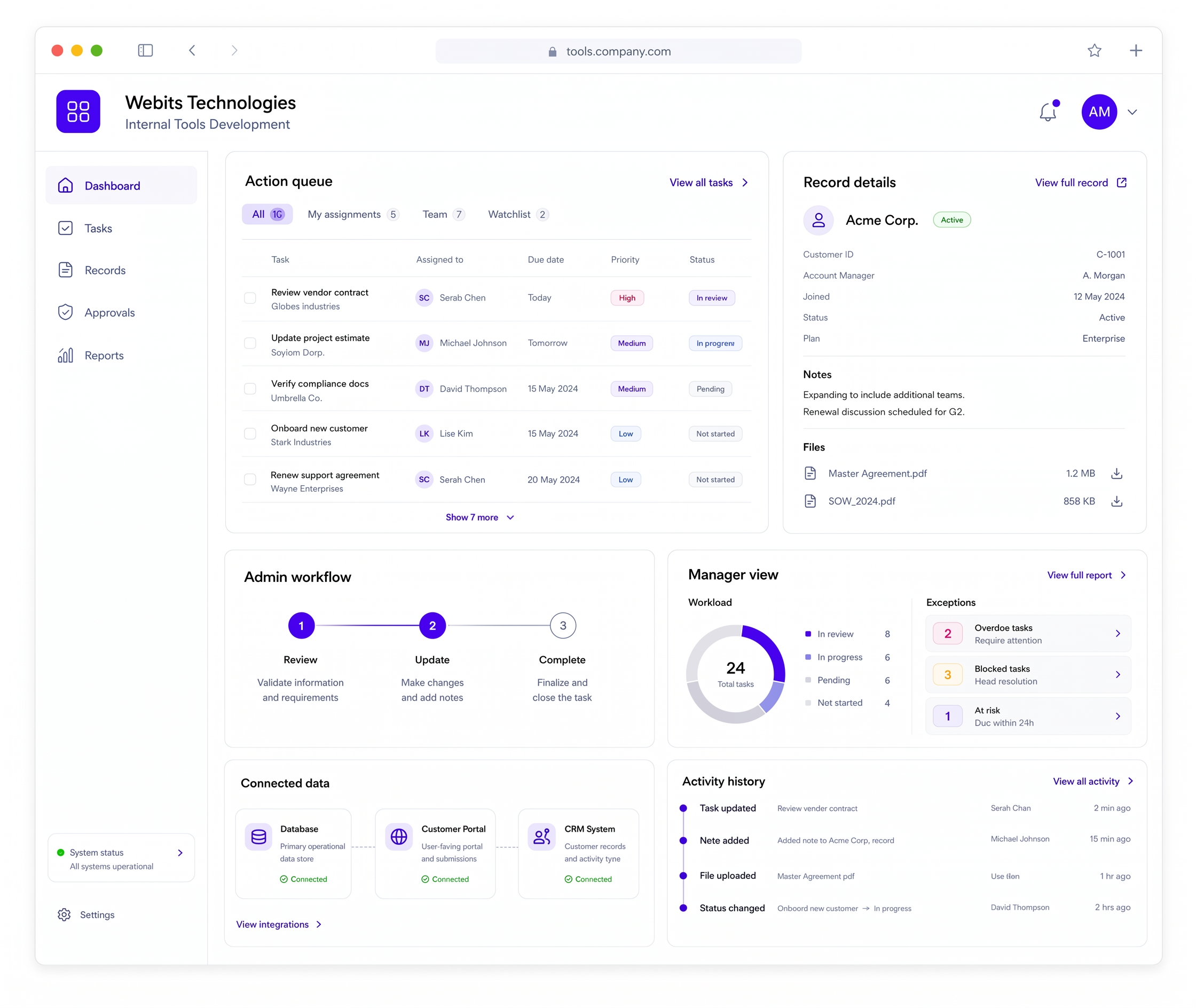
The right tool depends on the team, workflow, data and control the business needs.
Clear views for tasks, customers, jobs, orders, records or internal activity.
Work lists, assignments, due dates, statuses and next actions.
Staff flows for approvals, updates, reviews, fulfilment, support or content management.
Connections to existing systems, databases, portals or reporting tools.
Visibility over workload, exceptions, performance and process health.
Activity history, files, notes and audit-friendly action records where needed.
These are common signs an internal tool could remove friction from staff work.
Staff need to jump between tools, files and messages to complete simple work.
Repeated admin work uses too much time because the right tool does not exist.
Managers cannot quickly see what is waiting, blocked, completed or overdue.
Notes, files, approvals or changes are not captured in a consistent place.
The build starts with the staff task, then turns it into a clear tool with the right controls and connected data.
Understand who uses the tool, what they do and what currently slows them down.
Plan roles, permissions, views, states and the first useful feature set.
Shape screens around speed, clarity and repeated staff use.
Develop the internal tool, data model and system connections.
Support the team through launch and refine the tool around real usage.
A selection of digital products, platforms and business systems engineered for organisations that depend on technology every day.
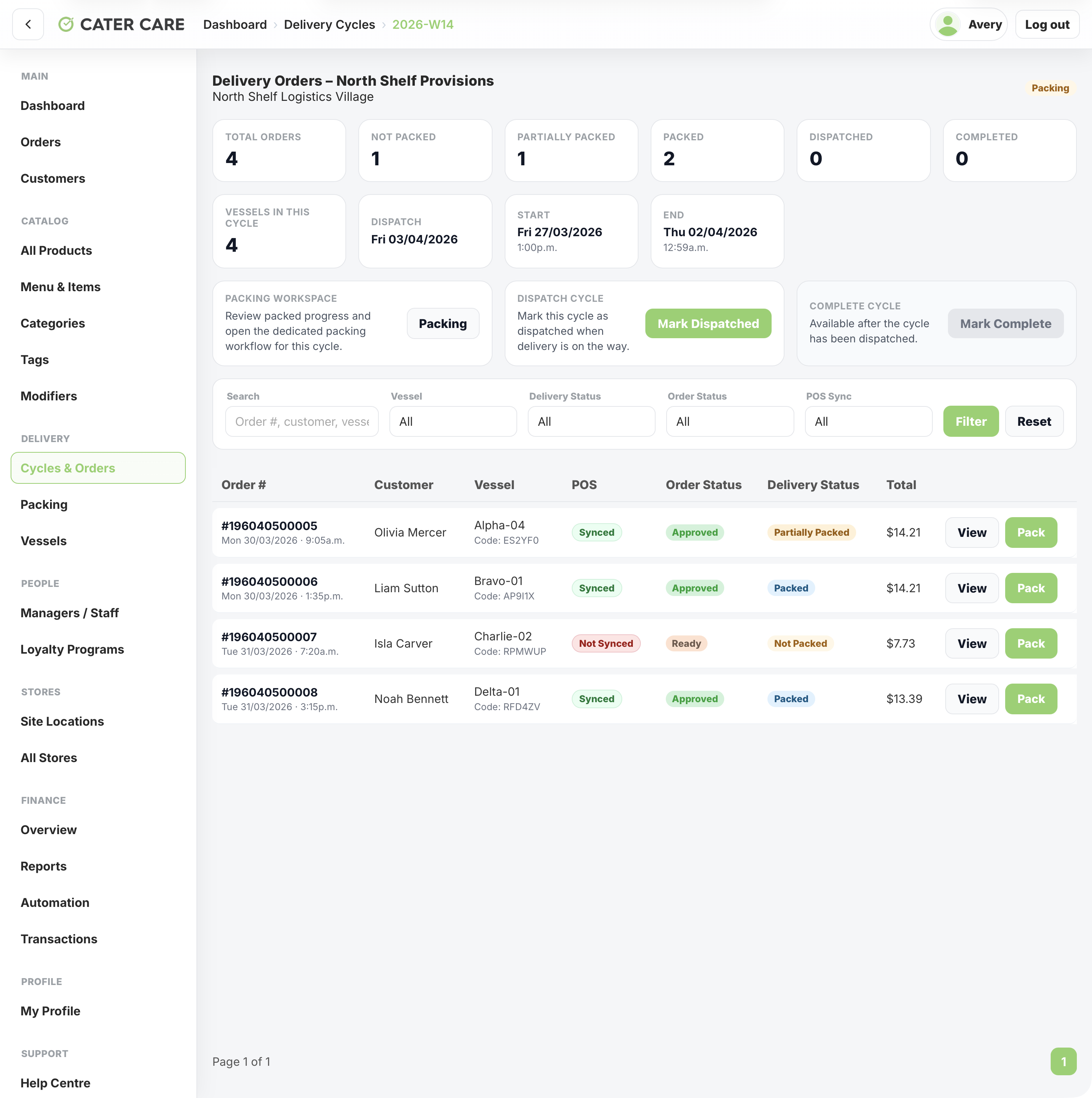
A remote workforce delivery platform for Cater Care, connecting QR-led vessel ordering, delivery cycles, packing, dispatch, worker tracking, store operations, and central reporting.
View case study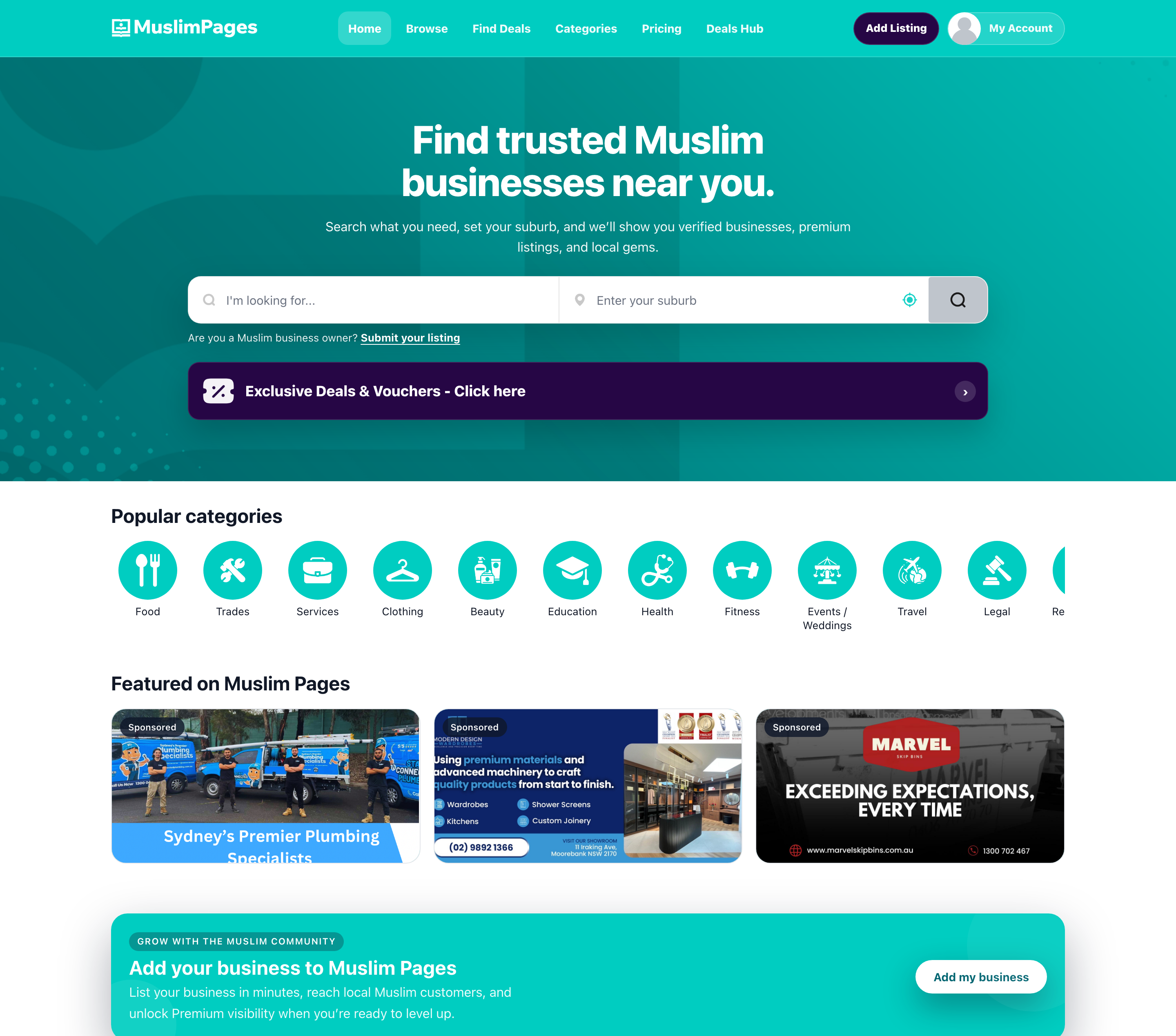
A community directory, deals marketplace, owner portal, and React Native app connecting Muslim Australians with businesses, offers, subscriptions, and local discovery tools.
View case study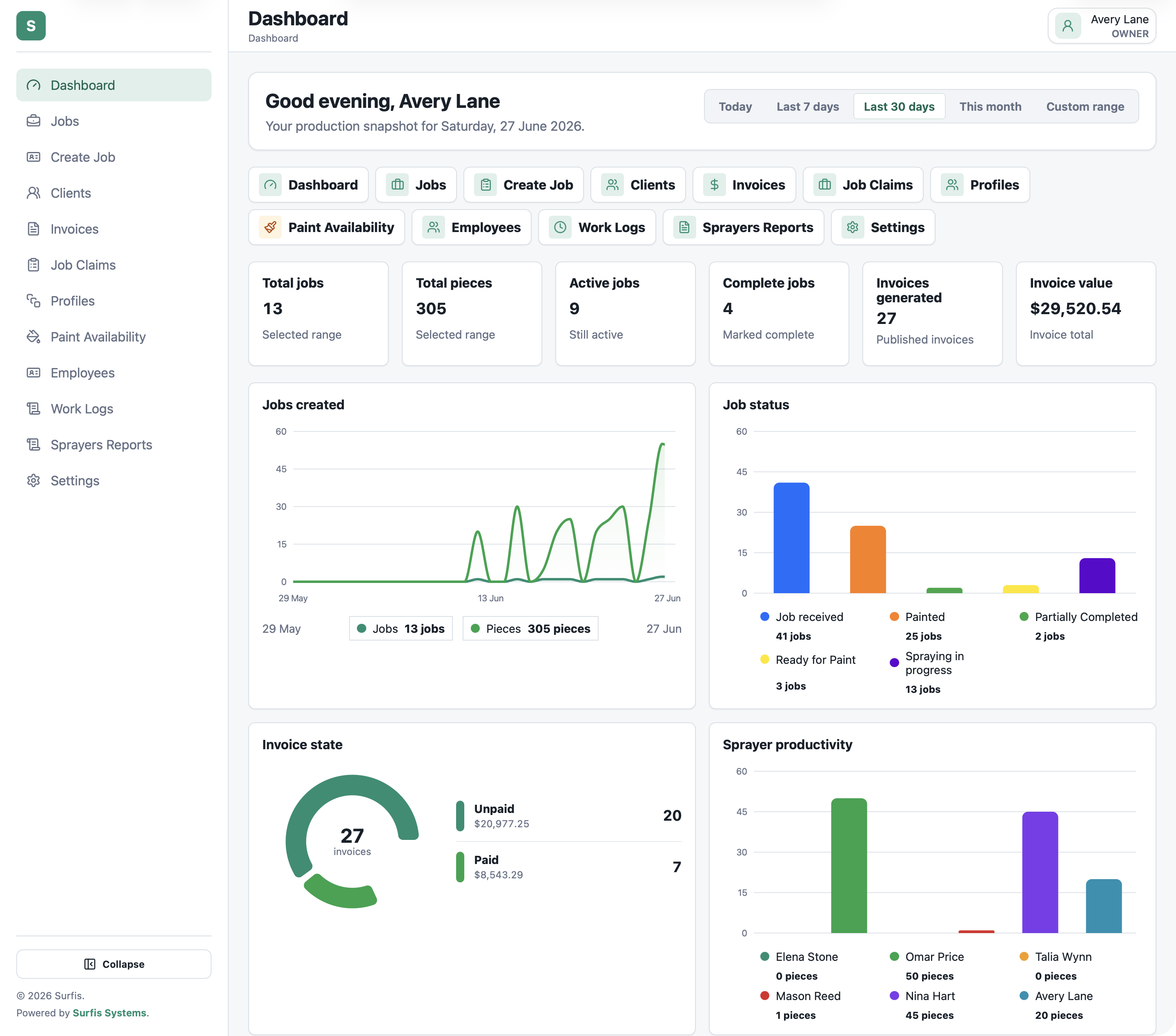
A production platform for spray finishing teams, covering jobs, pieces, paint, labels, costing, invoices, MYOB, and reporting from one system.
View case studyA short list of the things teams usually ask before scoping internal tools.
Internal tools are staff-facing systems built to help the business manage work, data, approvals, tasks or operations.
Yes, when the workflow needs stronger structure, visibility and control than spreadsheets can provide.
Yes. Roles and permissions can be built around how the team works.
Yes. Internal tools can connect to CRMs, ERPs, portals, databases and reporting systems where needed.
Bring the staff workflow, current workarounds and systems involved. Webits can help scope the right internal tool.