
Service businesses
Companies that want customers to complete key actions without relying on phone calls or inboxes.
Webits builds customer mobile apps that make key service actions easier, from bookings and requests to updates, payments, memberships and account access.
A customer app should make the relationship easier to manage, not add another channel the business has to manually support.
Webits plans customer apps around the service journey, the account experience and the internal controls needed to keep the app useful after launch.
Companies that want customers to complete key actions without relying on phone calls or inboxes.
Members, clients or repeat customers who need simple mobile access to accounts, updates or services.
Teams that need fewer manual enquiries and clearer customer activity behind the app.
The useful parts depend on the service model, customer actions and internal workflow behind the app.
Customer login, profiles, preferences, service history or saved details.
Guided submissions for enquiries, service requests, documents, bookings or updates.
Notifications for confirmations, reminders, changes, approvals or next steps.
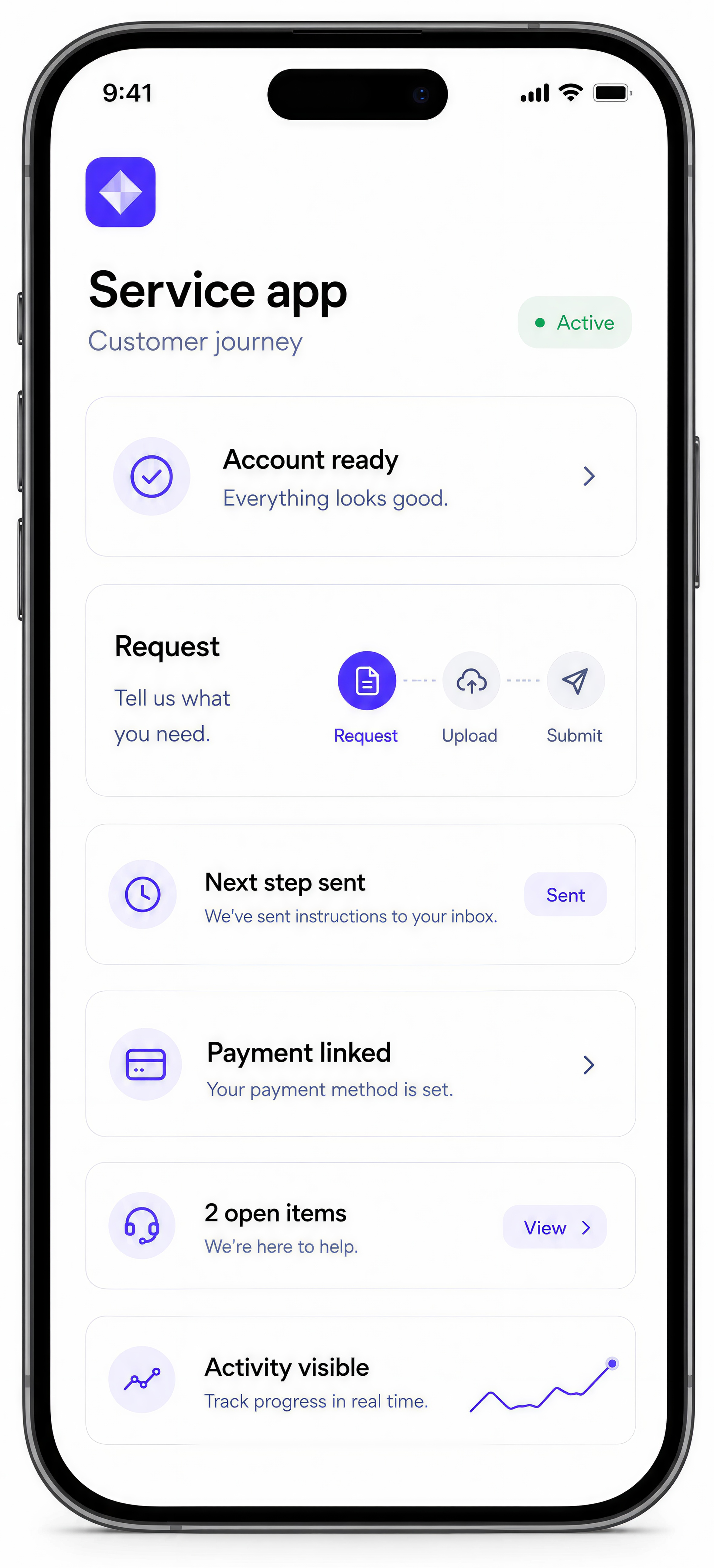
Connections to payment tools, booking platforms, CRMs or internal software.
Admin tools for customer activity, support queues, content and exceptions.
Practical reporting that helps the business see what customers are doing and where friction remains.
These are common signs a customer app could reduce friction and improve the experience.
People need updates, confirmations or answers that should be available without manual follow-up.
Bookings, payments, requests and account details sit across too many channels.
The app needs to work with existing records, bookings, payments or service systems.
The team needs a better view of customer activity, requests and exceptions.
The build starts with the customer journey, then turns it into a mobile experience supported by the right admin and systems.
Clarify what customers need before, during and after the service experience.
Decide which actions belong in the first release and how customers should move through them.
Develop the app, admin tools and connected systems needed for customer use.
Check customer flows, staff hand-offs, notifications and exception handling.
Support rollout and refine the app as customer behaviour becomes visible.
A selection of digital products, platforms and business systems engineered for organisations that depend on technology every day.
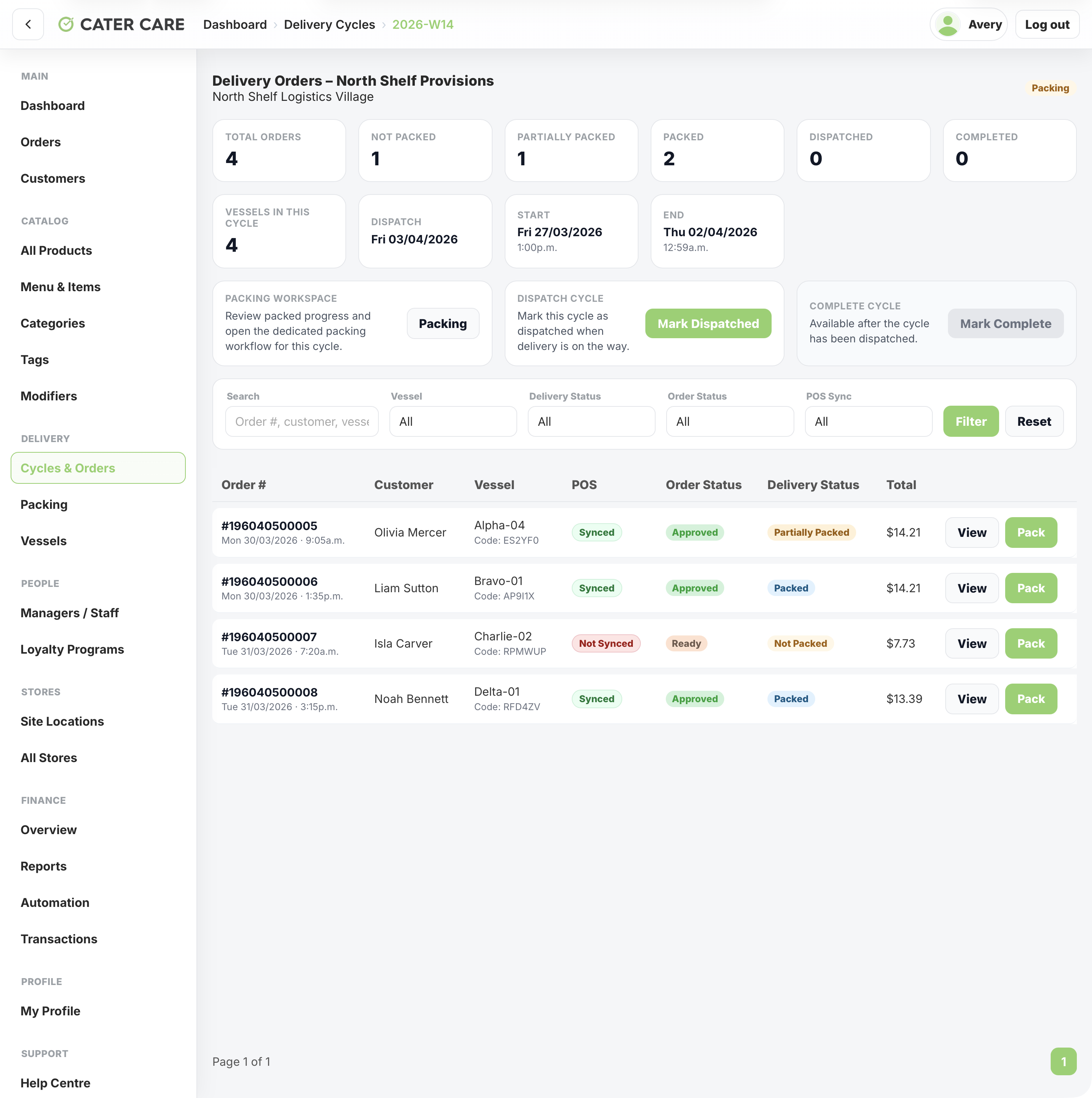
A remote workforce delivery platform for Cater Care, connecting QR-led vessel ordering, delivery cycles, packing, dispatch, worker tracking, store operations, and central reporting.
View case study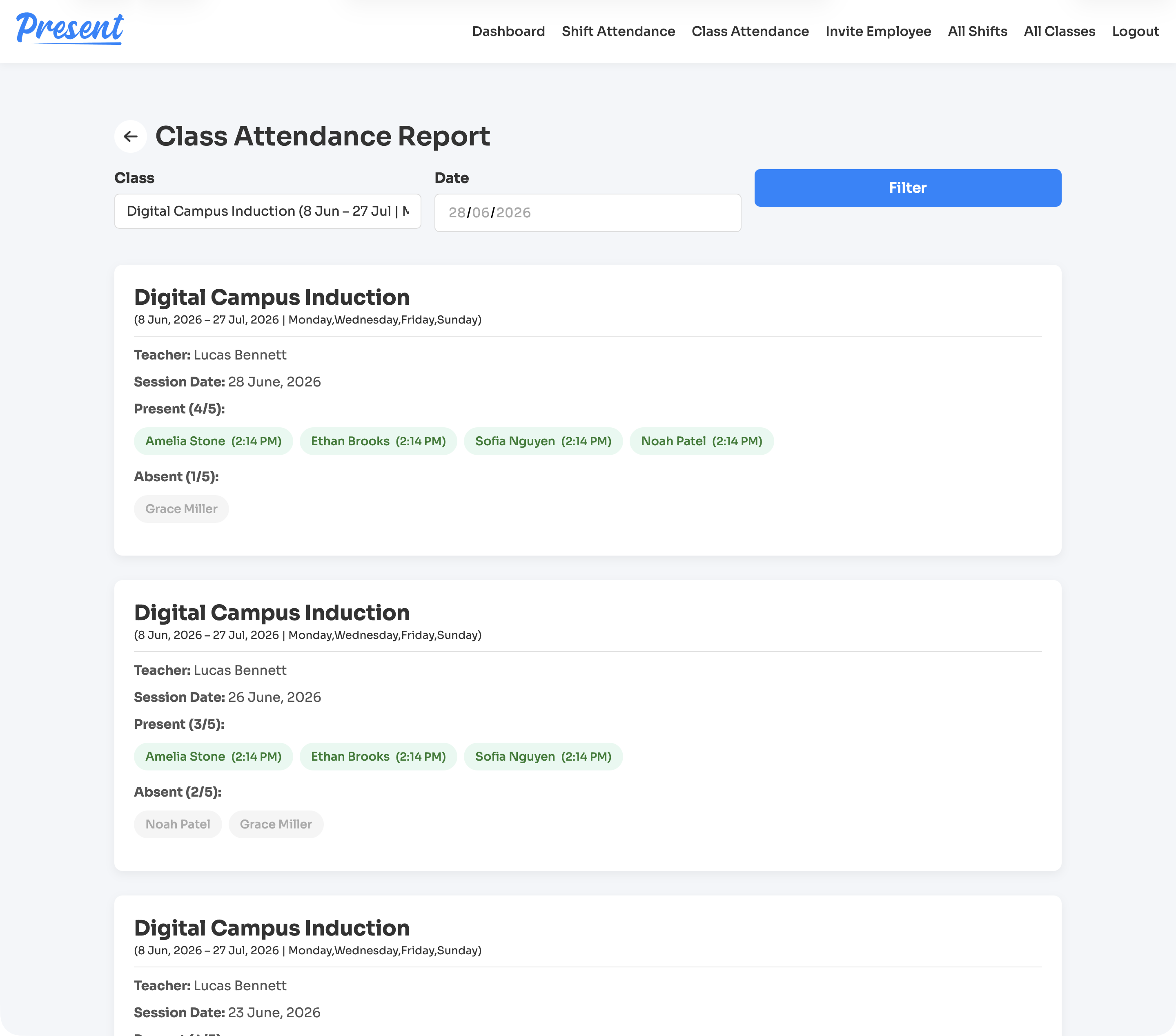
A web and iOS attendance platform for education providers, covering class rolls, staff shifts, geofenced clock-ins, cancellations, reports, notifications, and role-based admin control.
View case study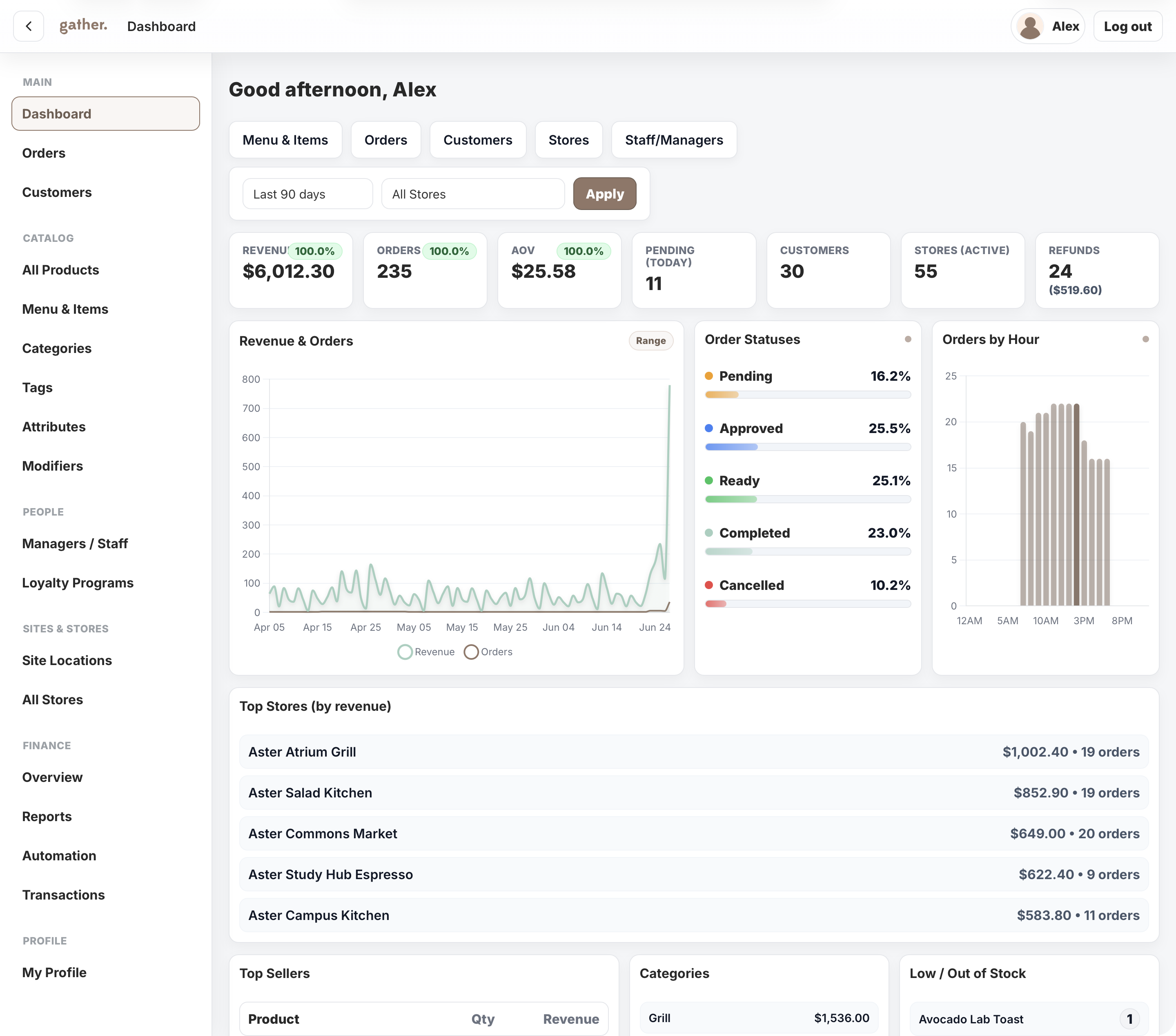
A campus commerce platform for Cater Care, connecting mobile ordering, outlet operations, payments, POS sync, loyalty, reporting, and head-office control.
View case studyA short list of the things teams usually ask before scoping a customer mobile app.
A customer app can include accounts, bookings, payments, forms, documents, notifications, service updates and support flows.
Yes, when the right actions and information are made available clearly inside the app.
Yes. The app can connect with CRMs, booking systems, payment tools or portals where needed.
Yes. A focused first release is often the best way to prove the app before expanding it.
Bring the customer journey, current friction and service rules. Webits can help shape the right app scope.