
Android users
Businesses whose customers, staff or field teams mainly use Android phones or tablets.
Webits builds Android apps for businesses that need mobile products used by customers, staff, field teams or device-heavy operations.
Android app work often needs to support a wide range of users, devices and environments without making the experience feel heavy.
Webits focuses on the mobile flow, the practical device context and the business systems the app needs to connect with.
Businesses whose customers, staff or field teams mainly use Android phones or tablets.
Teams that need mobile access to jobs, tasks, evidence, forms or status while work happens.
Apps that need to exchange data with portals, systems, dashboards or admin tools.
The build can include the app experience, device-aware flows and business systems behind it.
Clear screens and actions shaped around Android users and device realities.
Jobs, checklists, service steps, requests or account actions built into the app.
Practical planning for weak coverage, queued updates and sync behaviour where needed.
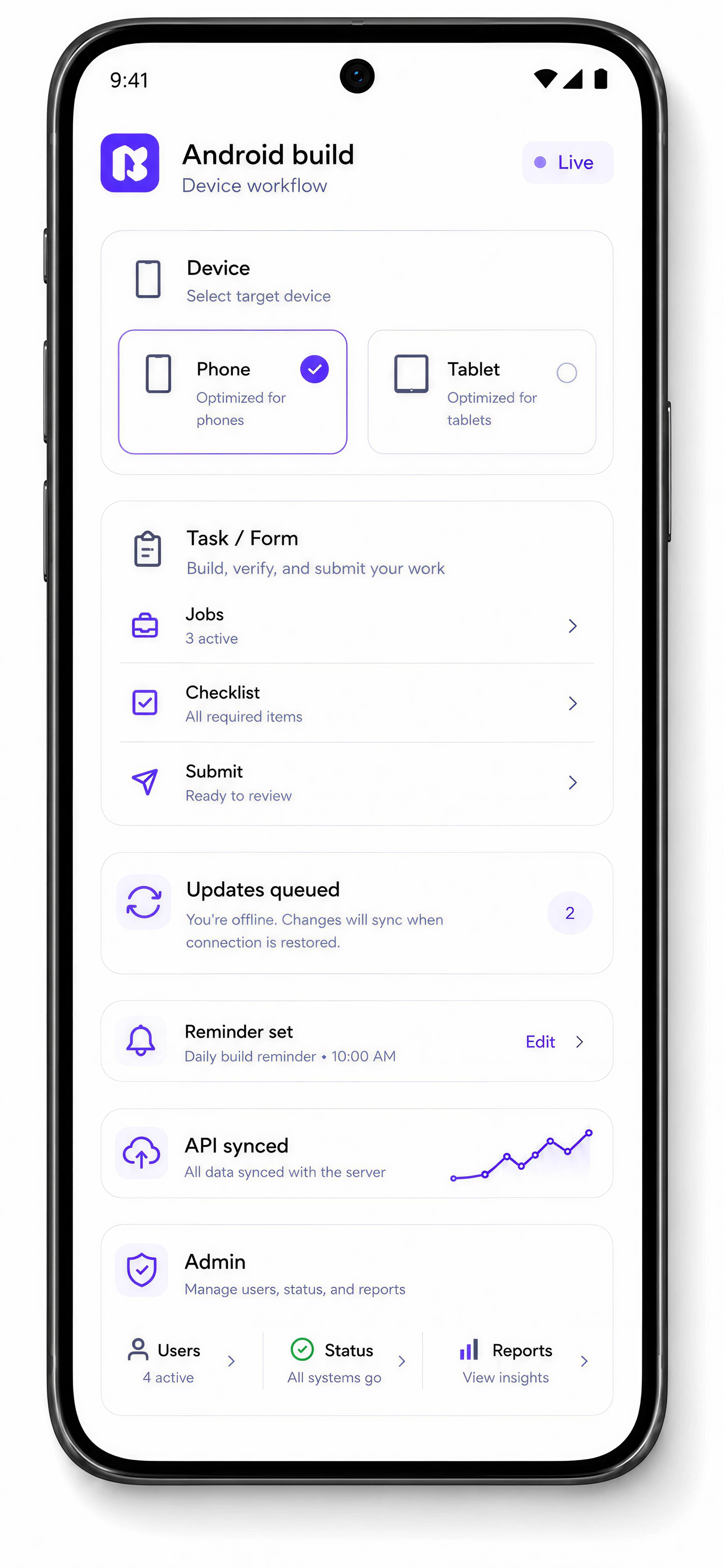
Useful prompts for tasks, status changes, bookings, approvals or next actions.
Connections to CRMs, job systems, portals, APIs or operational databases.
Internal controls for users, activity, status, support and reporting.
These are common reasons Android becomes the right platform path for a mobile product.
The app needs to work cleanly across different Android devices and usage environments.
Field or site use may require practical handling for weak reception and delayed updates.
The app depends on existing business data, accounts, jobs, bookings or service records.
The business needs visibility over users, activity, status or exceptions behind the app.
The work moves from user and device context into product design, app build, testing and supported release.
Understand users, devices, locations and the mobile actions the app must support.
Design the Android flows around speed, clarity and repeat use.
Build the app with the backend and integrations required for live business use.
Check behaviour across Android devices, user paths and operational conditions.
Support launch, monitor usage and improve the app after release.
A selection of digital products, platforms and business systems engineered for organisations that depend on technology every day.
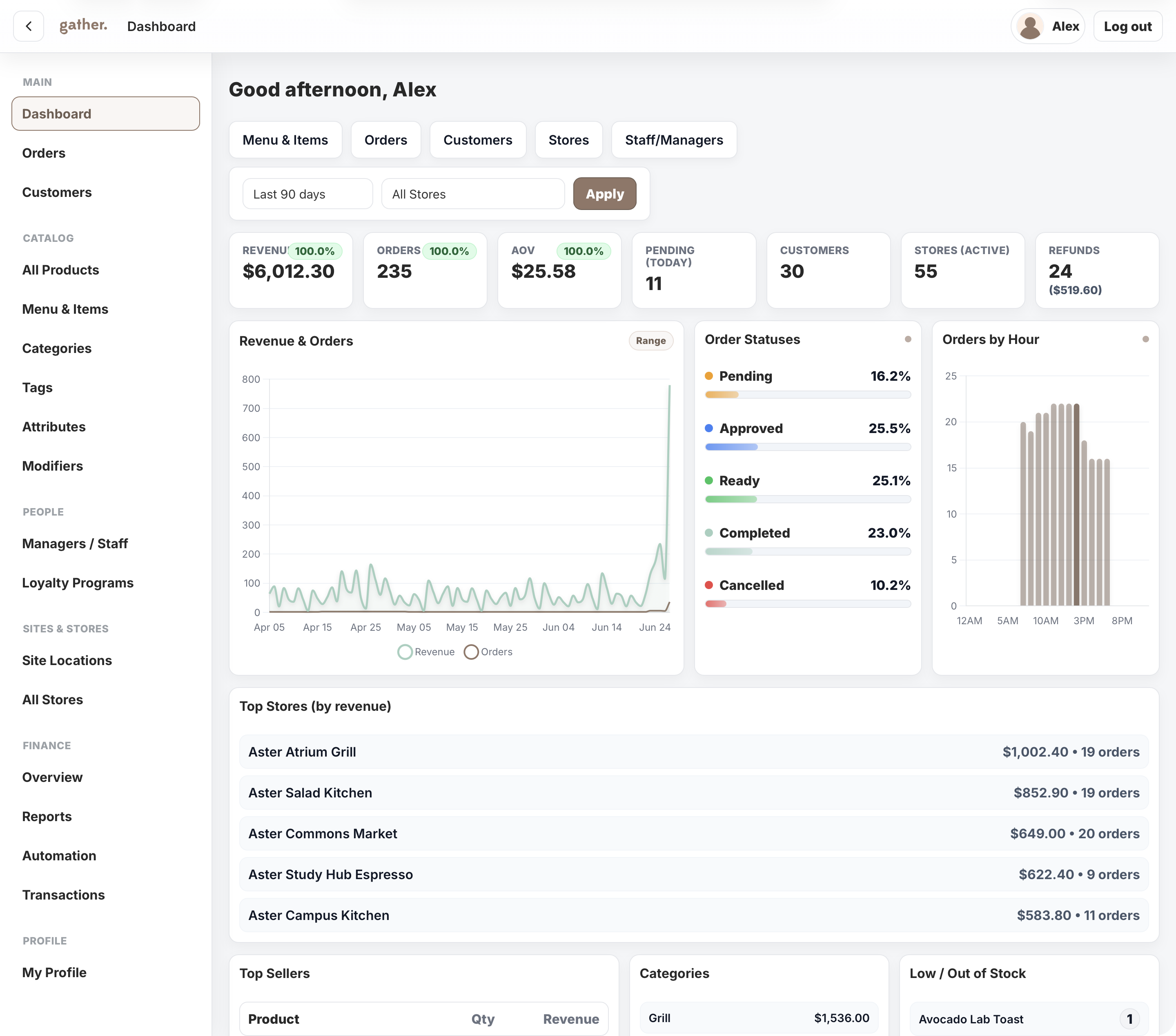
A campus commerce platform for Cater Care, connecting mobile ordering, outlet operations, payments, POS sync, loyalty, reporting, and head-office control.
View case study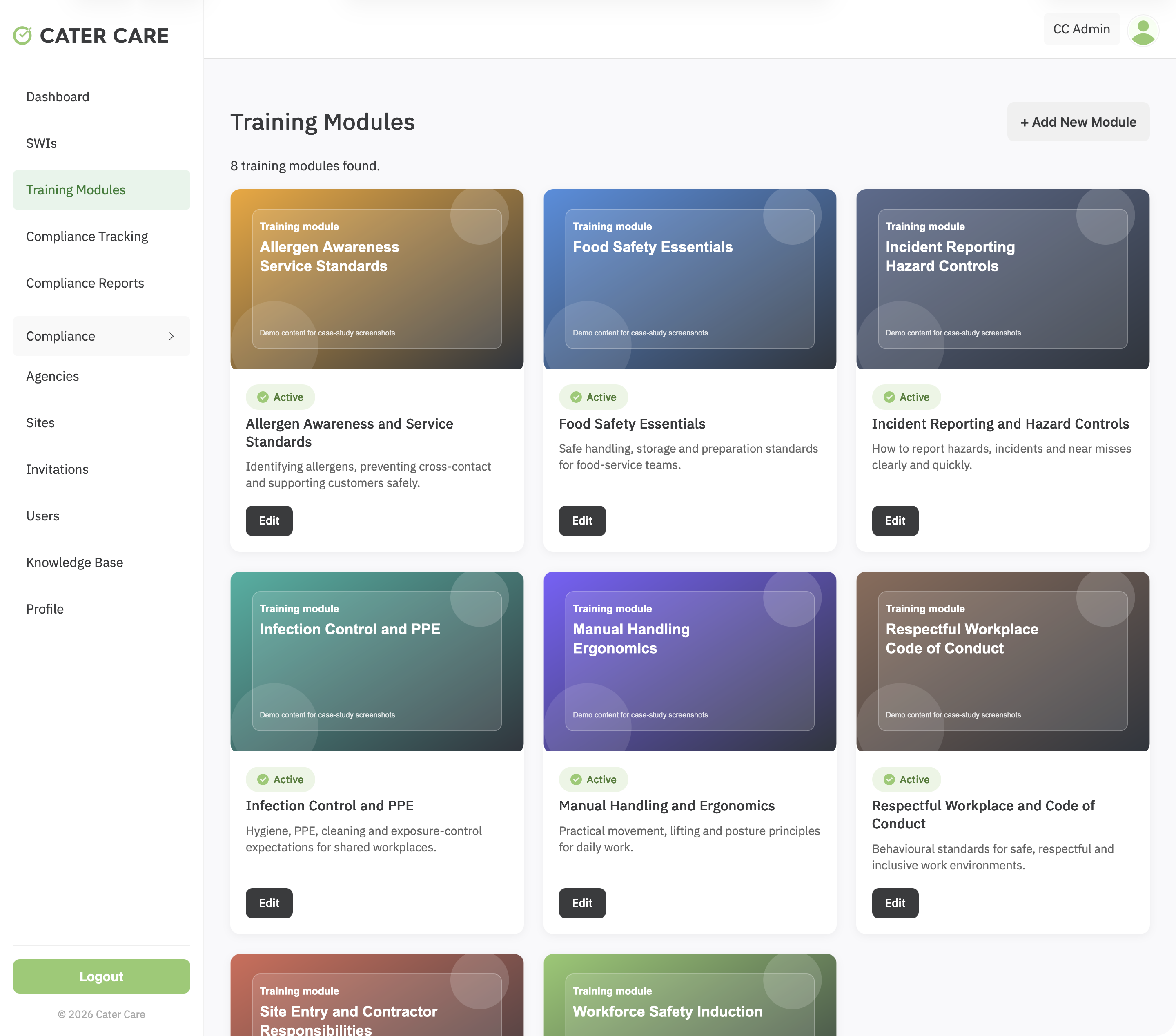
A workforce training and compliance platform for Cater Care, connecting custom SCORM delivery, SWI sign-off, VOC evidence, reporting, and role-based oversight.
View case study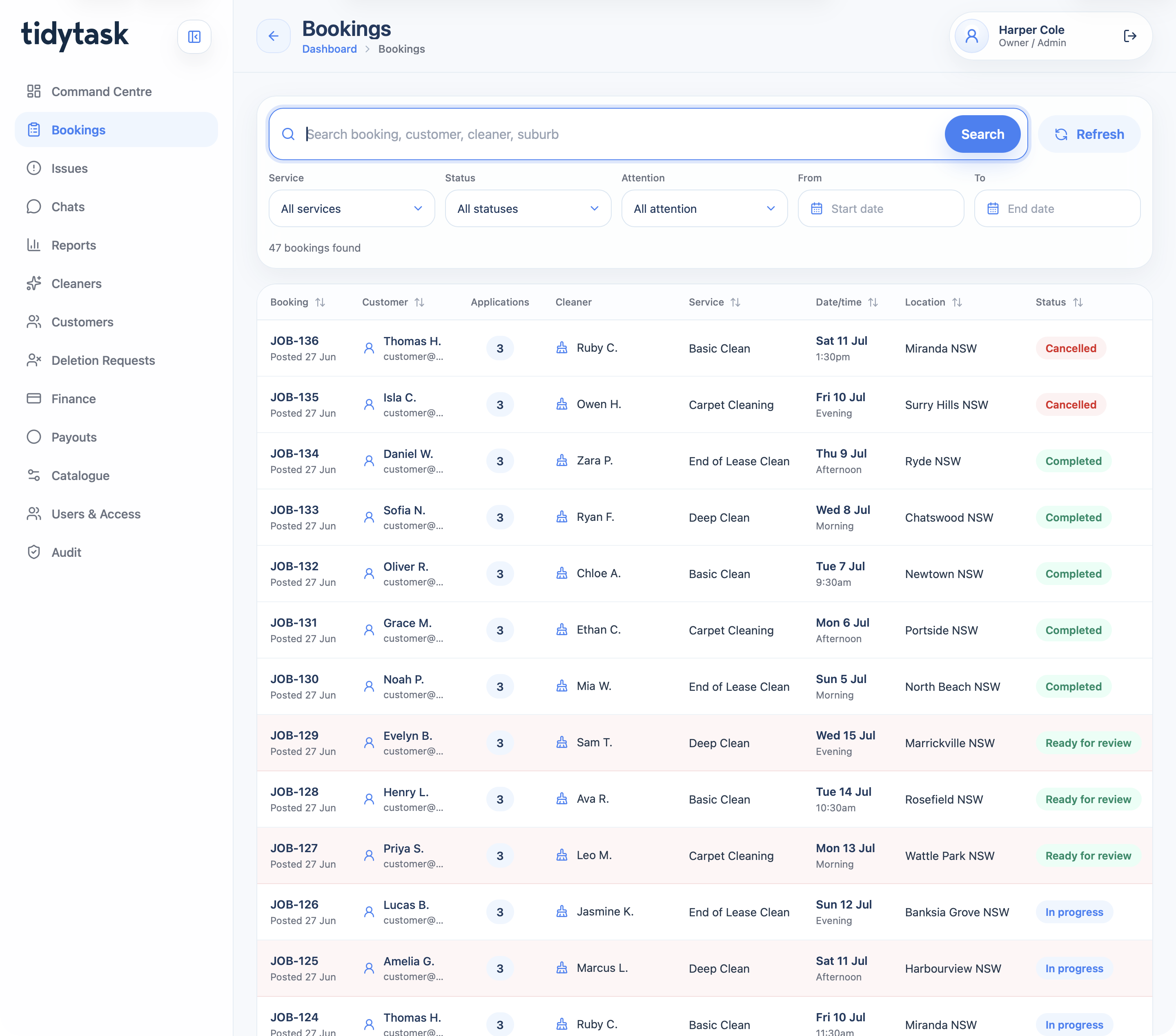
A cleaning marketplace and operations platform for customer booking, cleaner applications, payments, GPS proof, support, finance, payouts, reporting, and admin control.
View case studyA short list of the things teams usually ask before scoping an Android app.
Yes. Android-only can be the right path when the audience, devices or operational environment make it the priority.
Yes. Android apps can support jobs, forms, checklists, status updates, evidence capture and field communication.
Yes, when the workflow requires it. Offline behaviour needs to be planned carefully before build.
Yes. The roadmap can include iOS later, or both platforms can be planned together from the start.
Bring the users, devices and workflow. Webits can help shape the right Android app scope.